Don't Move: A 'Statues' Variant
A compact Unity prototype inspired by the playground game 'statues'. Walk while the track plays; when the music cuts and a red light washes the forest, freeze. Find the golden Shiba Inu by following barks that grow louder as you approach before the timer runs out.
- Timeline
- Nov – Dec 2024
- Category
- Game prototype · Unity
- Tools
- Unity, C#
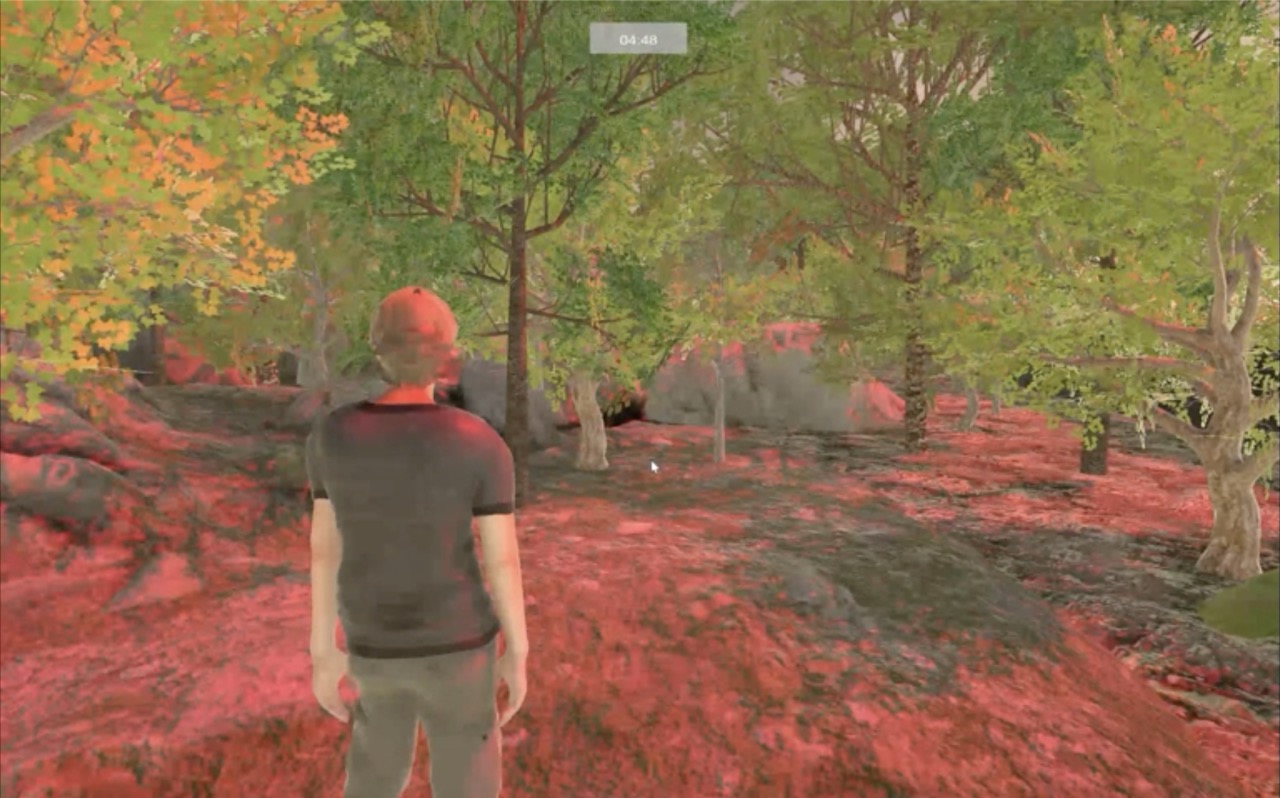
Don't Move is a small experiment in sound-guided navigation and clear stop or go cues. The player searches a dense forest for a golden Shiba Inu icon. You can move only while the music plays. When the track cuts and a red wash appears, you must freeze. A looping bark acts as a beacon; its volume rises with proximity so you can navigate without waypoints.
Project Overview
The aim was to build a focused statues-style loop with readable tells, minimal inputs, and short sessions. Difficulty is a simple timer choice: Easy (5 min), Medium (3 min), Hard (1 min). Players adjust difficulty level without changing rules.
- Design intent and core rules
- Session structure and flow
- Controls and interface
- Key systems and scripts
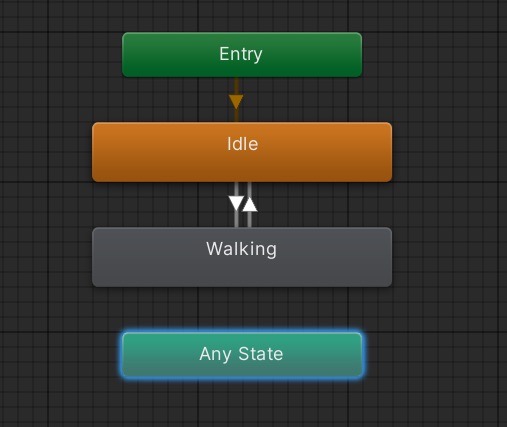
- Animation state setup
- Technical steps
- Credits
Design Intent & Core Rules
- Keep the rule set obvious: music on means move, music off plus red wash means freeze.
- Guide with audio instead of UI wayfinding; bark volume increases as the player nears the Shiba icon.
- Favor quick rounds and instant restarts to encourage retries.
Scenes & Flow
Controls & Interface
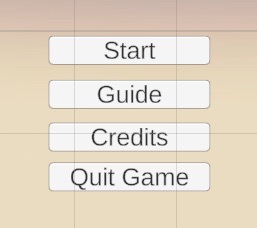
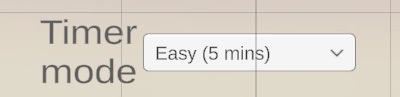
Inputs are deliberately light: Up arrow to walk forward; Left and Right arrows to turn. The simple scheme keeps focus on timing and listening, not on dexterity.
Key Systems & Scripts
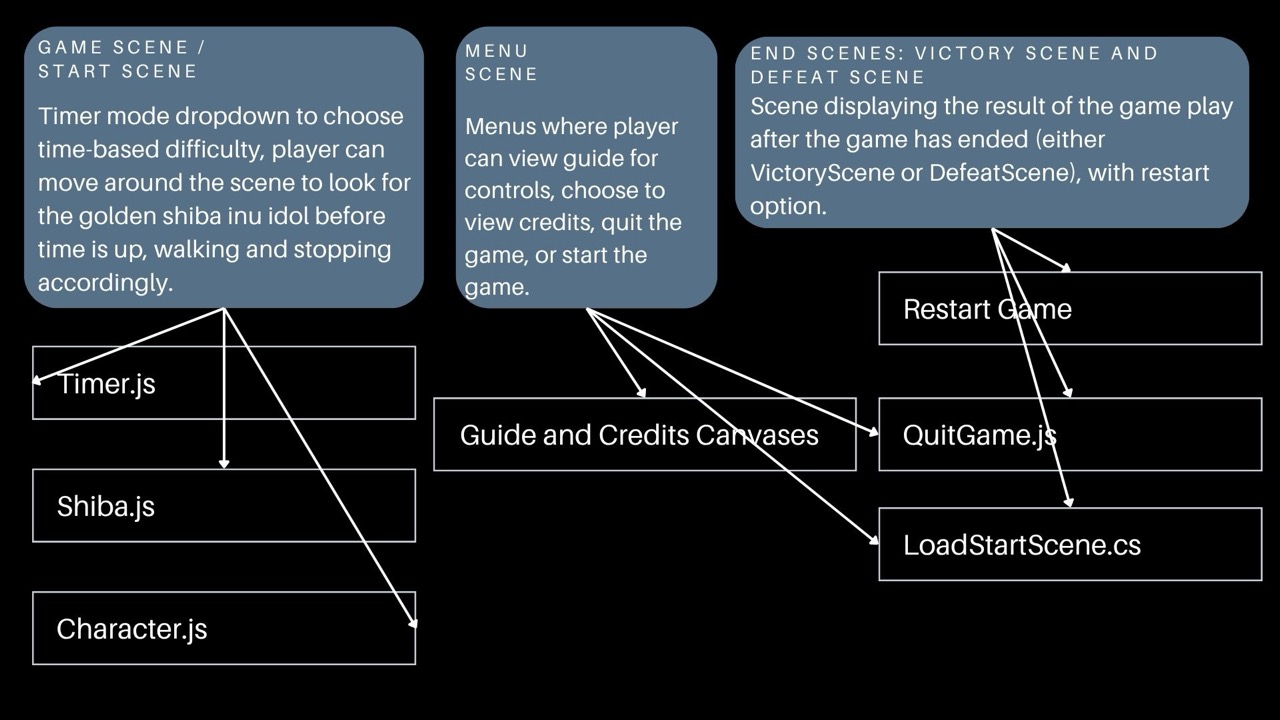
- Timer.js: applies the chosen duration and signals end of round.
- Character.js: arrow-key movement that honors a global canMove flag so freezes are authoritative when the track mutes.
- Shiba.js: periodic bark with distance-based volume scaling; triggers victory on proximity.
- LoadStartScene.cs: loads start, game, and end scenes; connected to Restart.
- QuitGame.js: handles application exit from the menu.
Character Animation
Technical Steps
- Stop/Go conductor: a simple controller mutes the track at intervals and flips a global movement flag; Character.js reads the flag to gate velocity.
- Red-light cue: a directional light plus a lightweight color shift creates a scene-wide warning when movement is forbidden.
- Audio beacon: the Shiba bark loops with distance-based volume to help player navigate to the beacon.
- End states: distinct victory and defeat canvases with a single Restart action to encourage replays.
Asset Credits
- Player model and animation: Remy on Mixamo. Available on Mixamo
- Photoscanned MountainRocks PBR by The Tales Factory. Unity Asset Store
- Chainlink Fences by Kobra Games Studios. Unity Asset Store
- Realistic Tree Pack Vol. 1 by PolyFix. Publisher page
- URP Tree Models by ALIyerEdon. Unity Asset Store
- Outdoor Ground Textures by A dog's life software. Unity Asset Store
- Free Cute Toon Shiba Inu 3D by HolotnAsset. TurboSquid
- Shop Jingle by CyberKit3D. Unity Asset Store
- WorldSkies Free Skybox Pack by PULSAR BYTES. Unity Asset Store
- Dog Toy by freesound_community. Pixabay