Infinite Dollhouses
A miniature interior built around a hero dollhouse on a living room table. The project moves from references to Maya modeling, UVs, texture painting in Substance 3D Painter, scene assembly in Unity URP, and a set of light and dark final renders.
- Timeline
- Feb – May 2025
- Category
- Environment · Look development
- Tools
- Maya, Substance 3D Painter, Unity
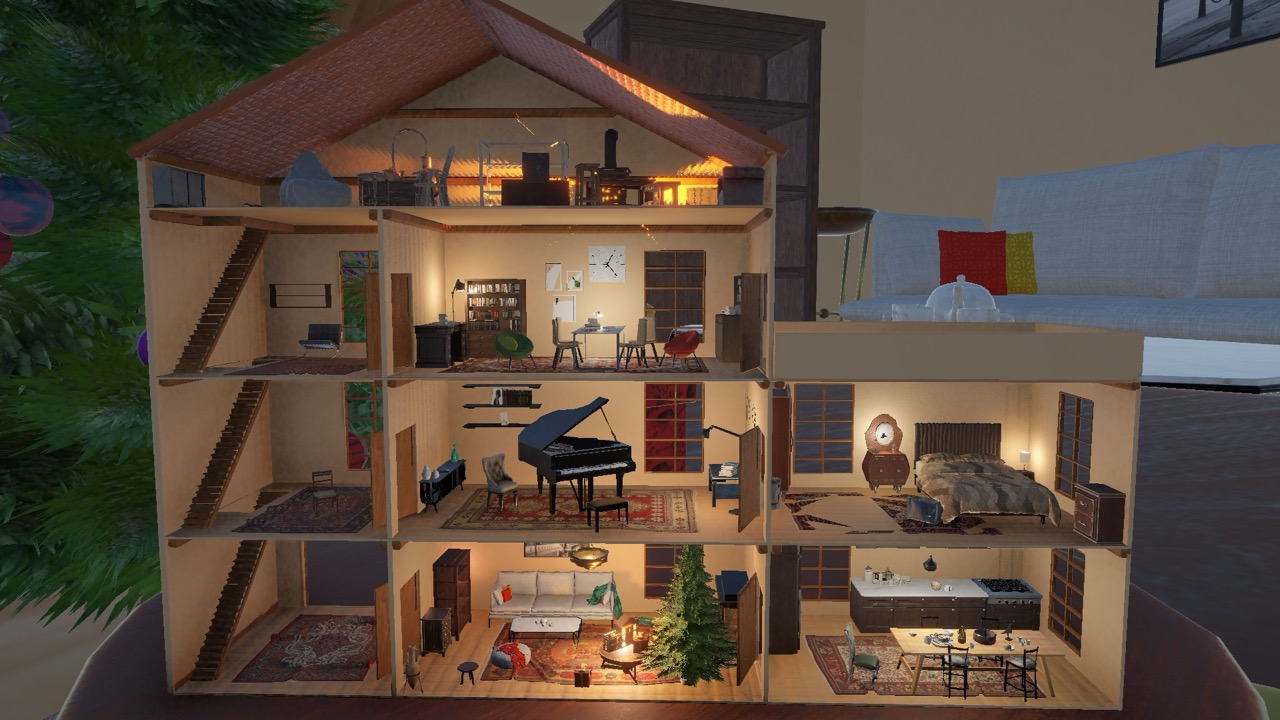
Infinite Dollhouses is a small-scale environment study that plays with the idea of a dollhouse inside a dollhouse, staged as a warm holiday vignette. I kept the scope tight and treated the process like a clean production pipeline: gather references, model with readable edges, unwrap with repeatable patterns, paint simple materials, assemble the scene, then explore lighting to accentuate the mood.
My Role
- Modeled the hero dollhouse, the present box, and the Christmas tree (branches scattered with MASH) in Maya.
- UV-unwrapped them and textured them in Substance 3D Painter, building on credited community materials.
- Assembled and lit the scene in Unity URP. The surrounding furniture and environment are credited Unity Asset Store packs.
- Made the recursive dolly-out video with Cinemachine.
Video Preview
Project Overview
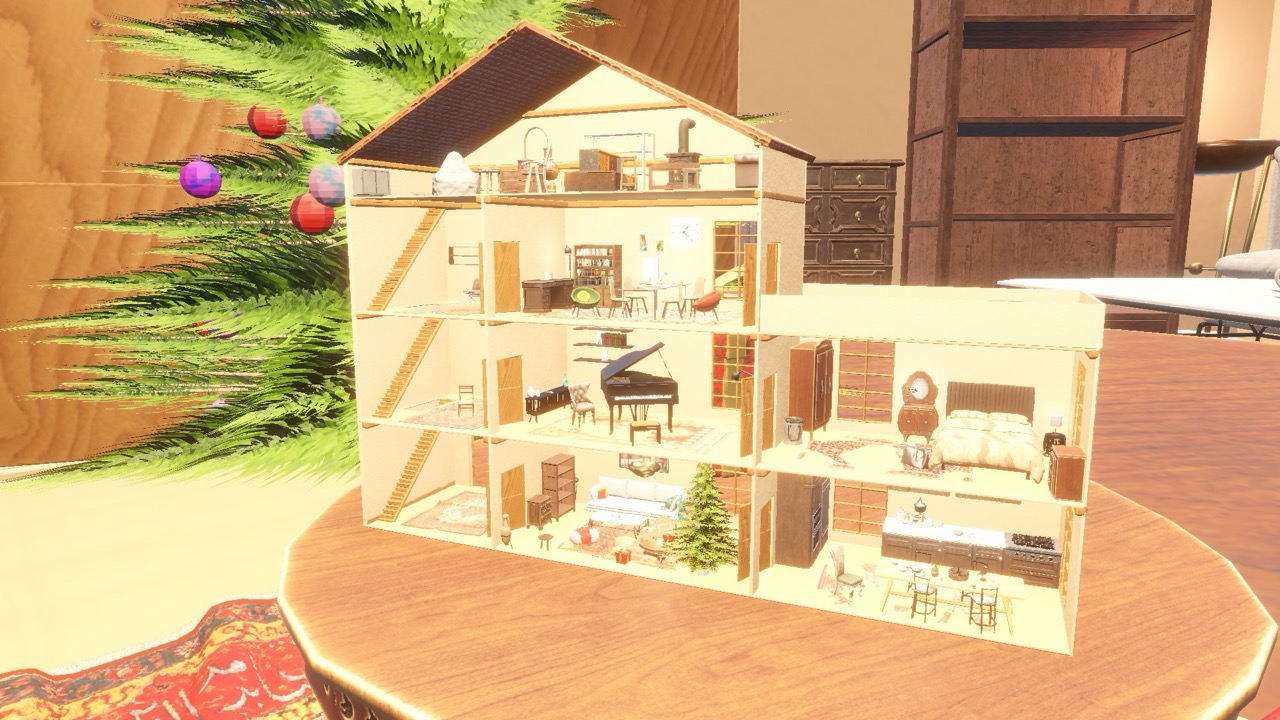
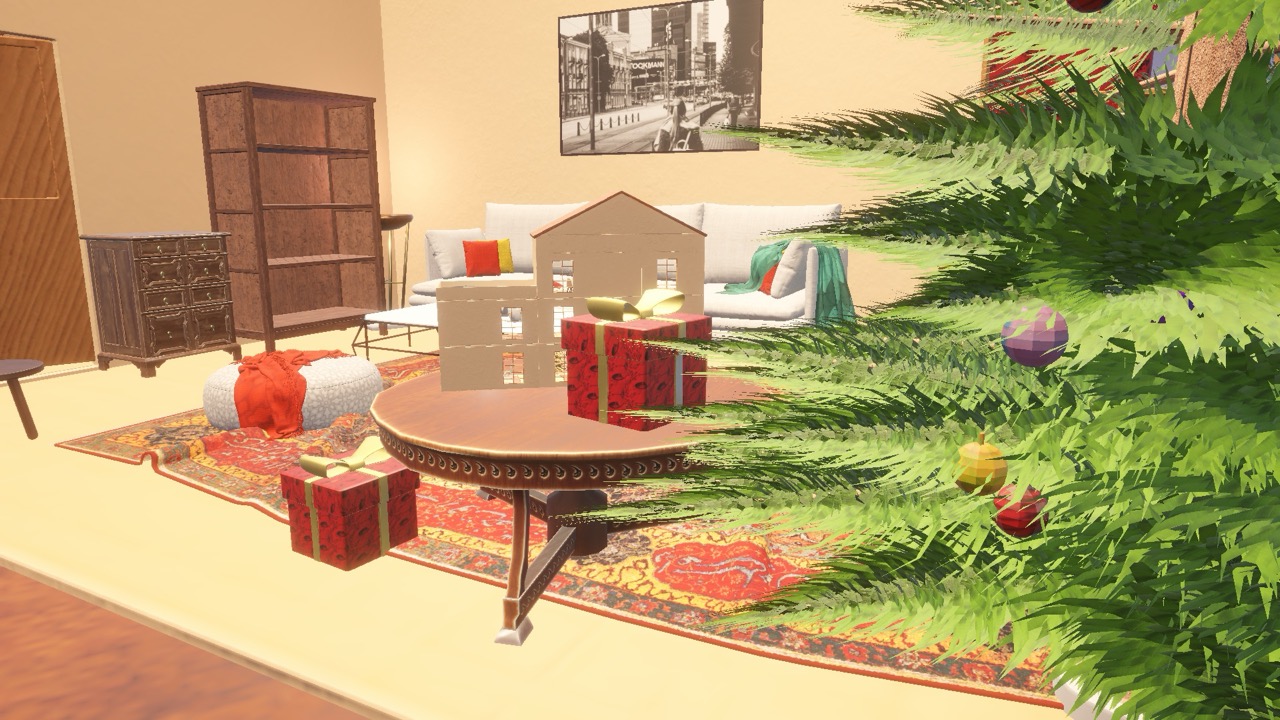
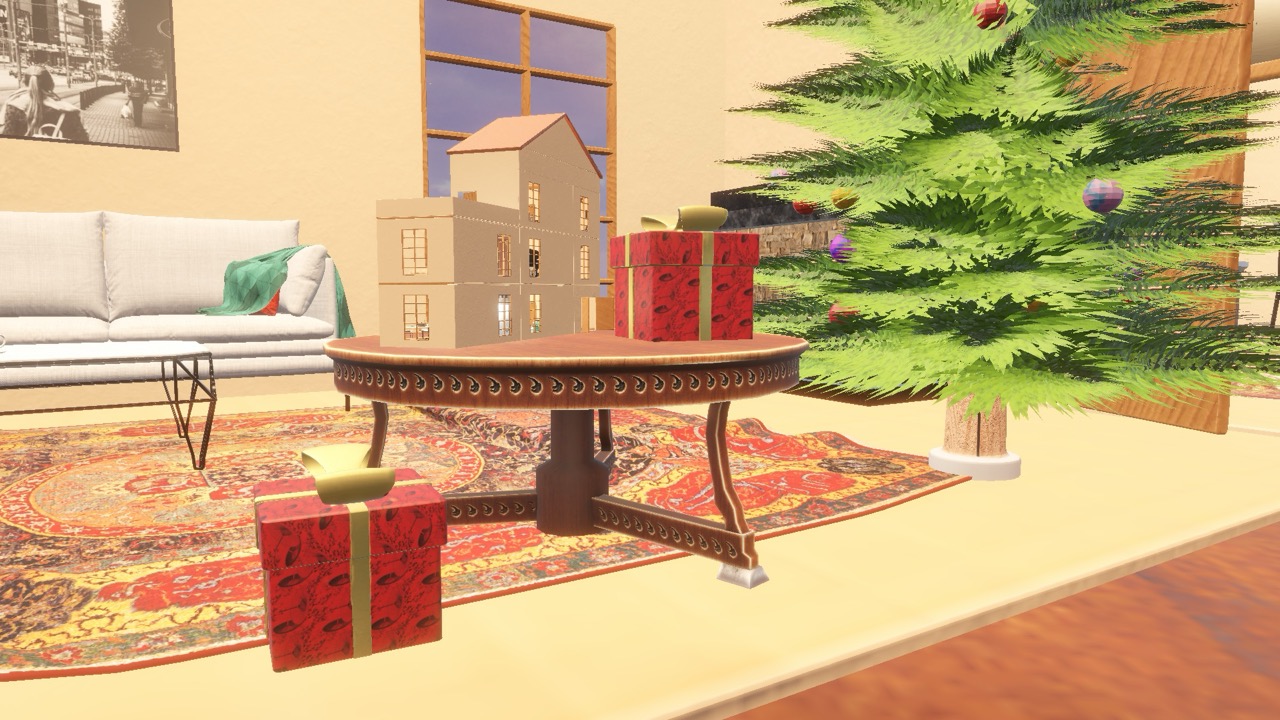
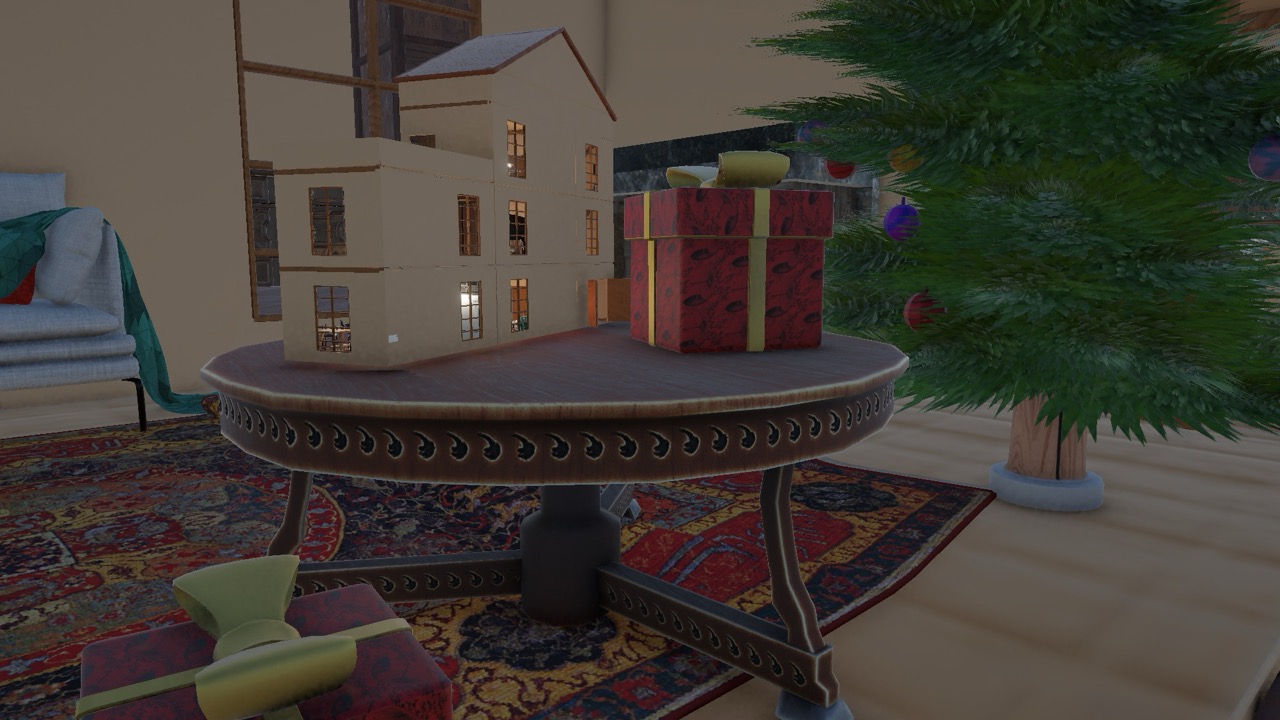
The scene centers on a wooden dollhouse placed on a circular table with gifts and a Christmas tree nearby. The core idea is recursion and scale. The goals were: keep topology clean for bakes and keep materials believable so the set reads like miniature wood, paper, and fabric under warm light.
- References and story notes
- Modeling in Maya
- UV unwrapping and checks
- Texture painting in Substance 3D Painter
- Secondary assets
- Lighting and scene assembly
- Final renders: light vs. dark
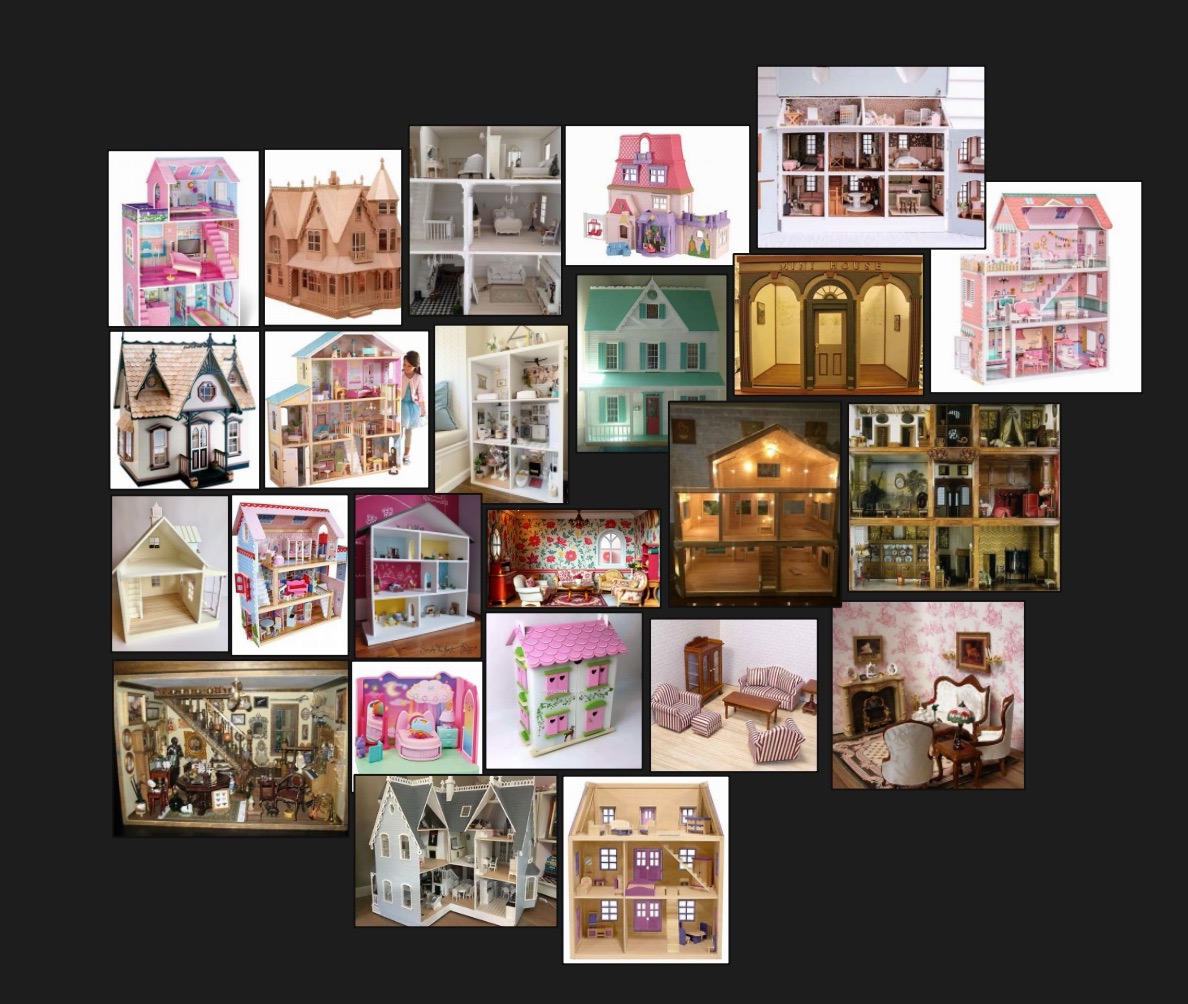
References and Story Notes
Modeling in Maya
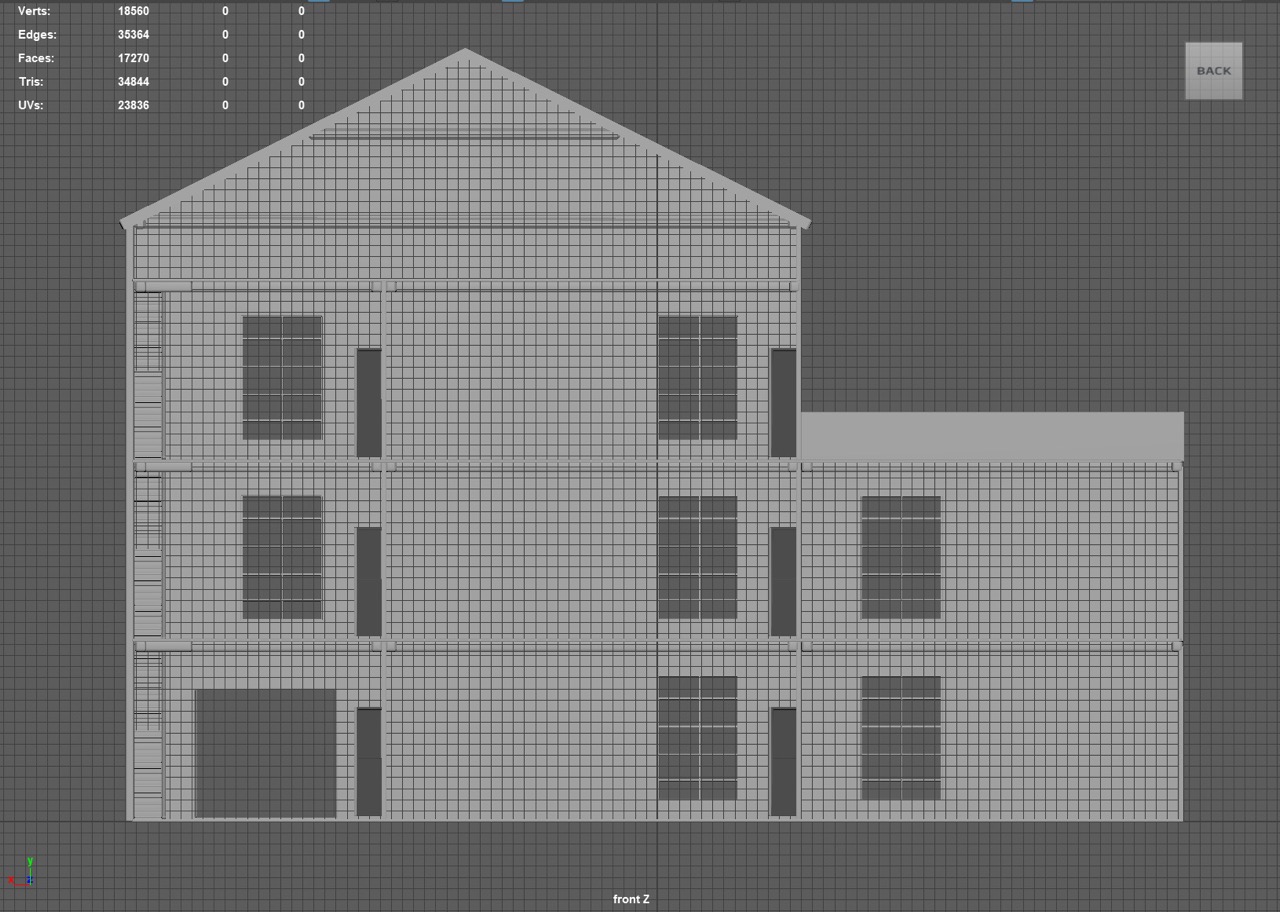
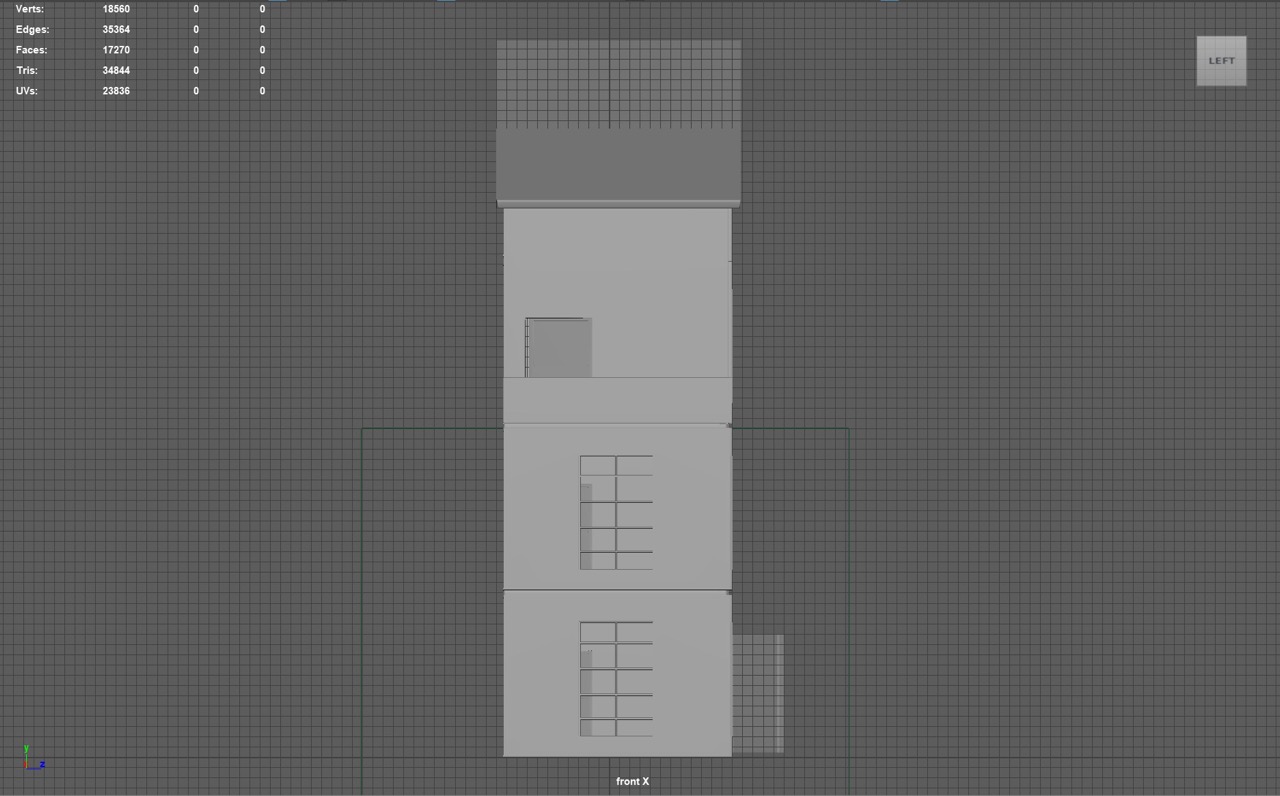
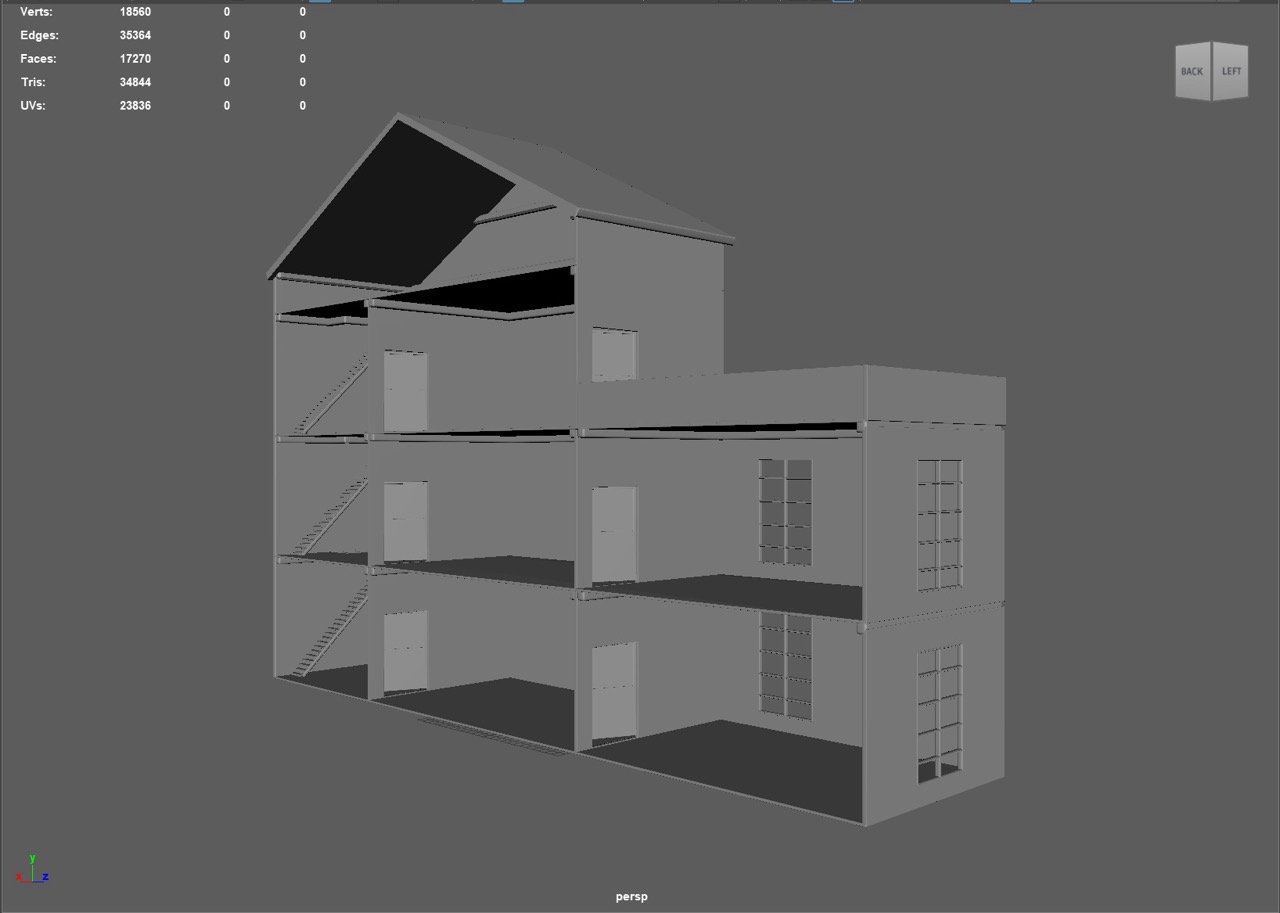
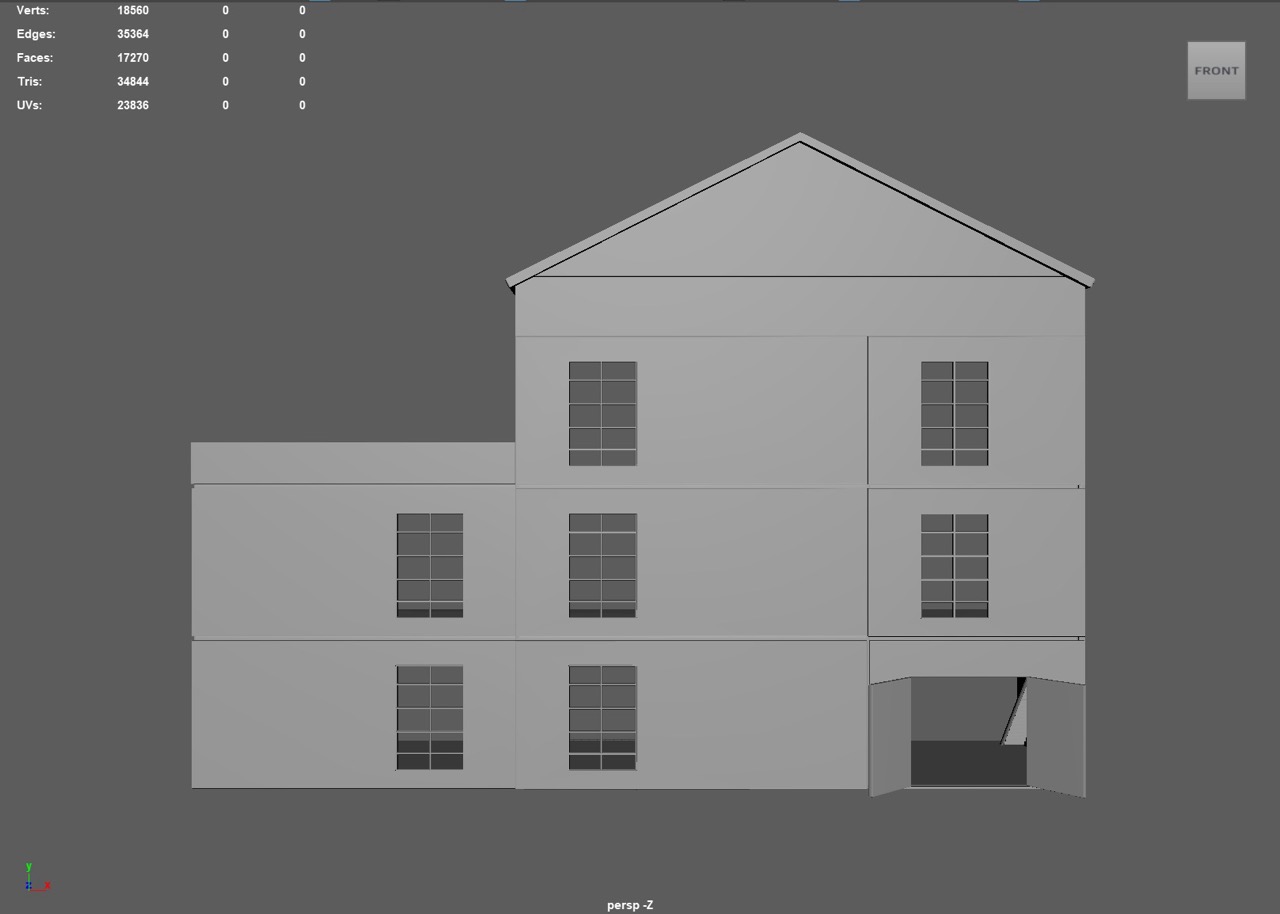
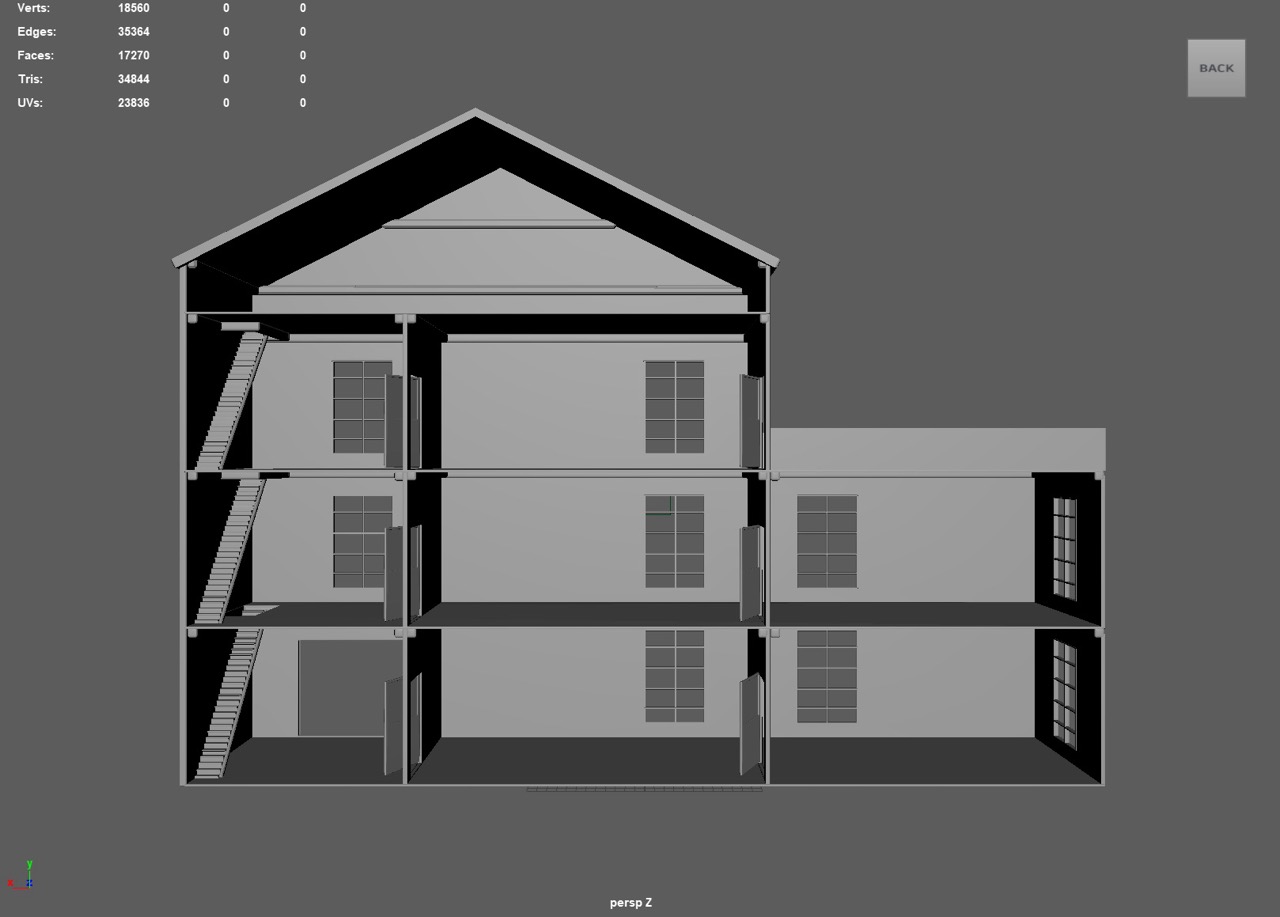
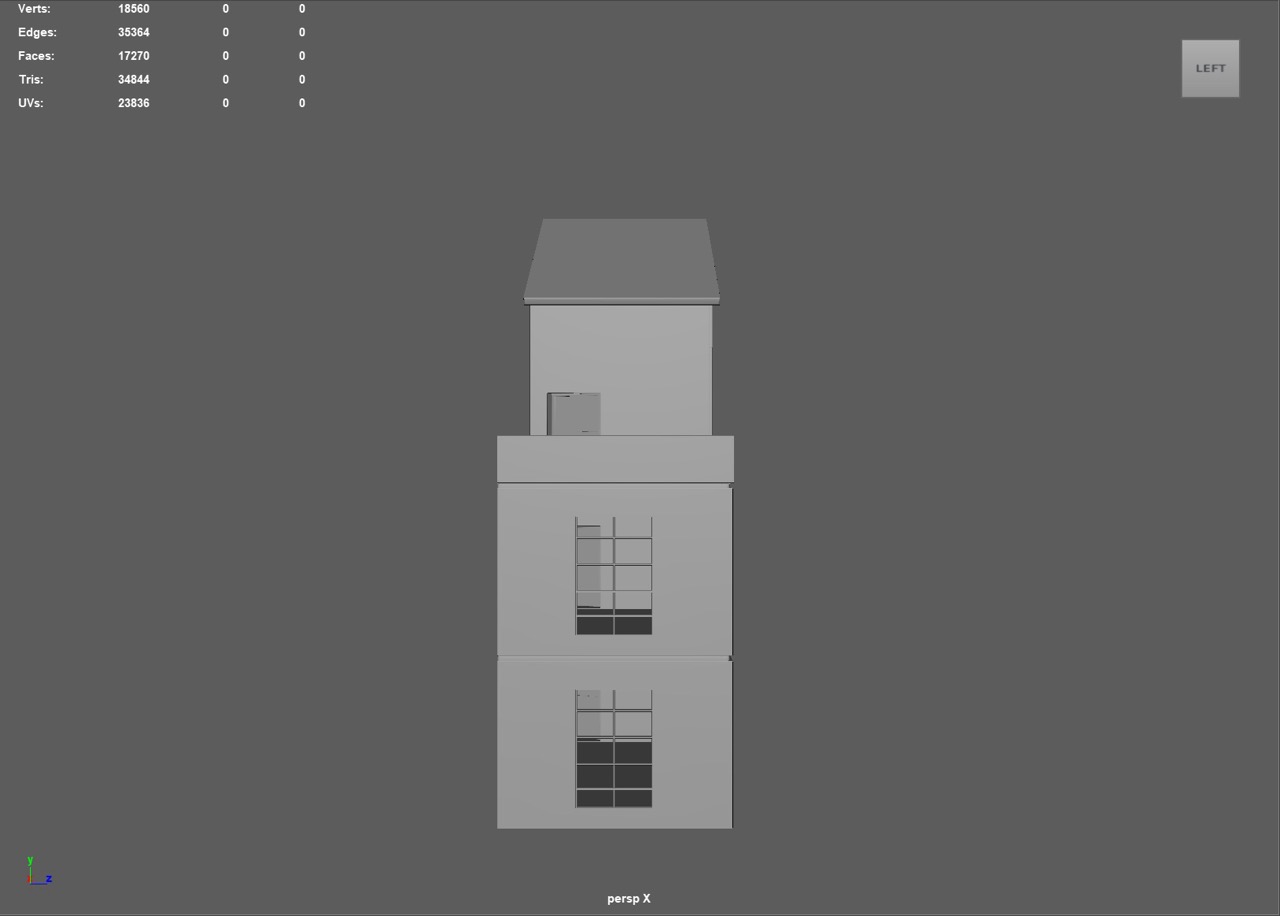
I worked from a blockout into a clean low-poly model with beveled edges and mostly quads for reliable bakes. The wall thickness and stair proportions were tuned so rooms remain readable from mid and close shots. Early passes exposed sharp corners, so I added bevels and reinforced edges for a cleaner finish.
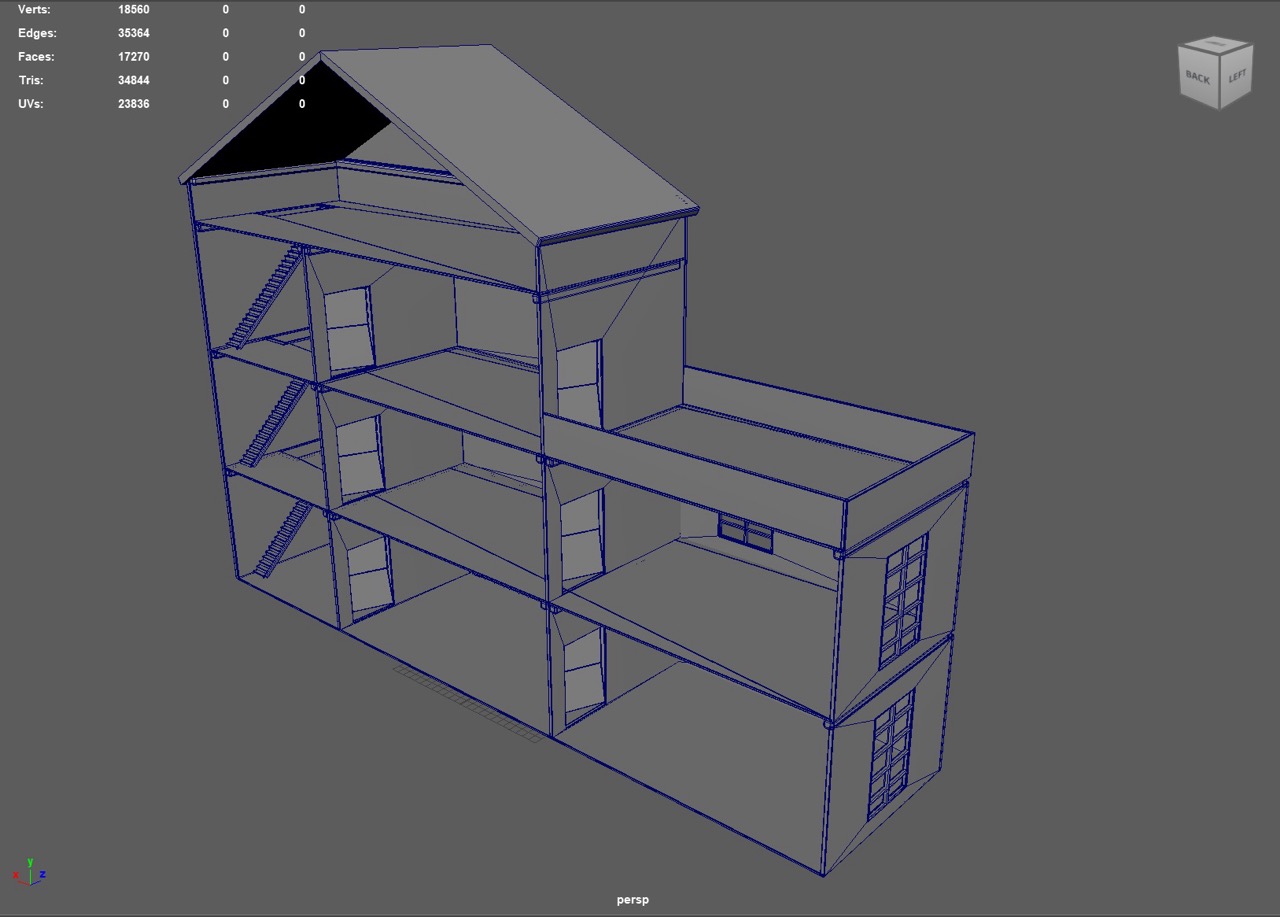
Orthographic views
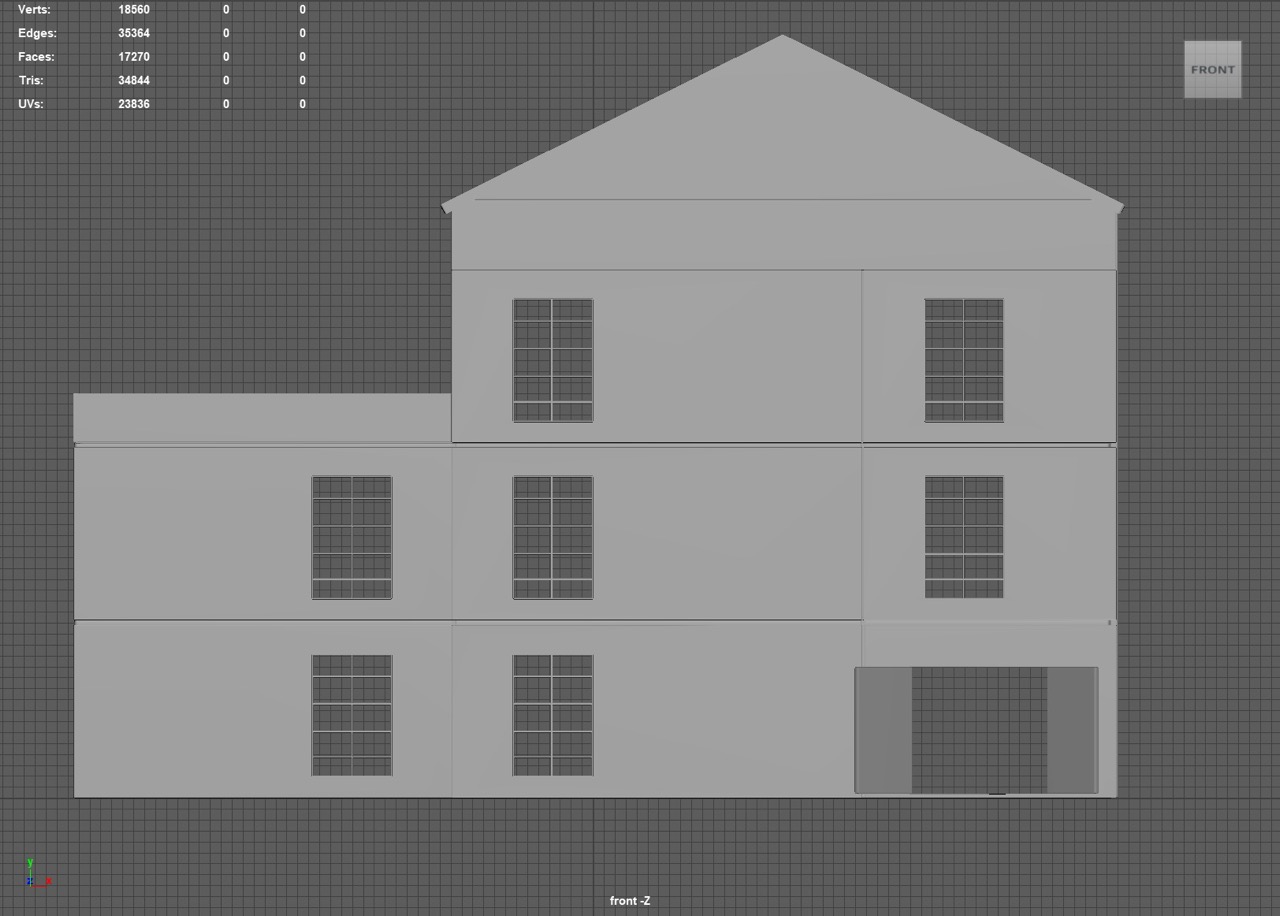
Perspective views
UV Unwrapping and Checks
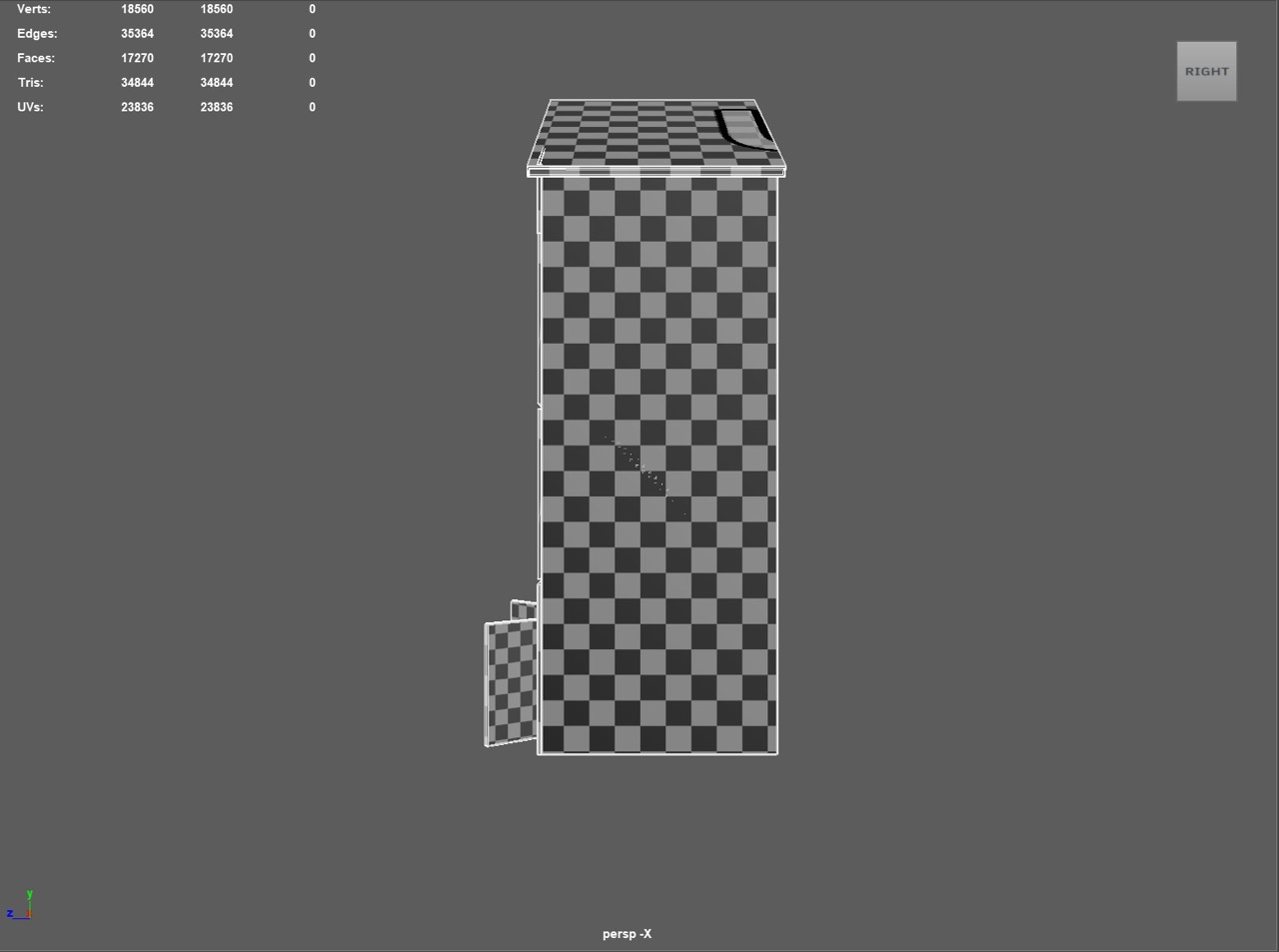
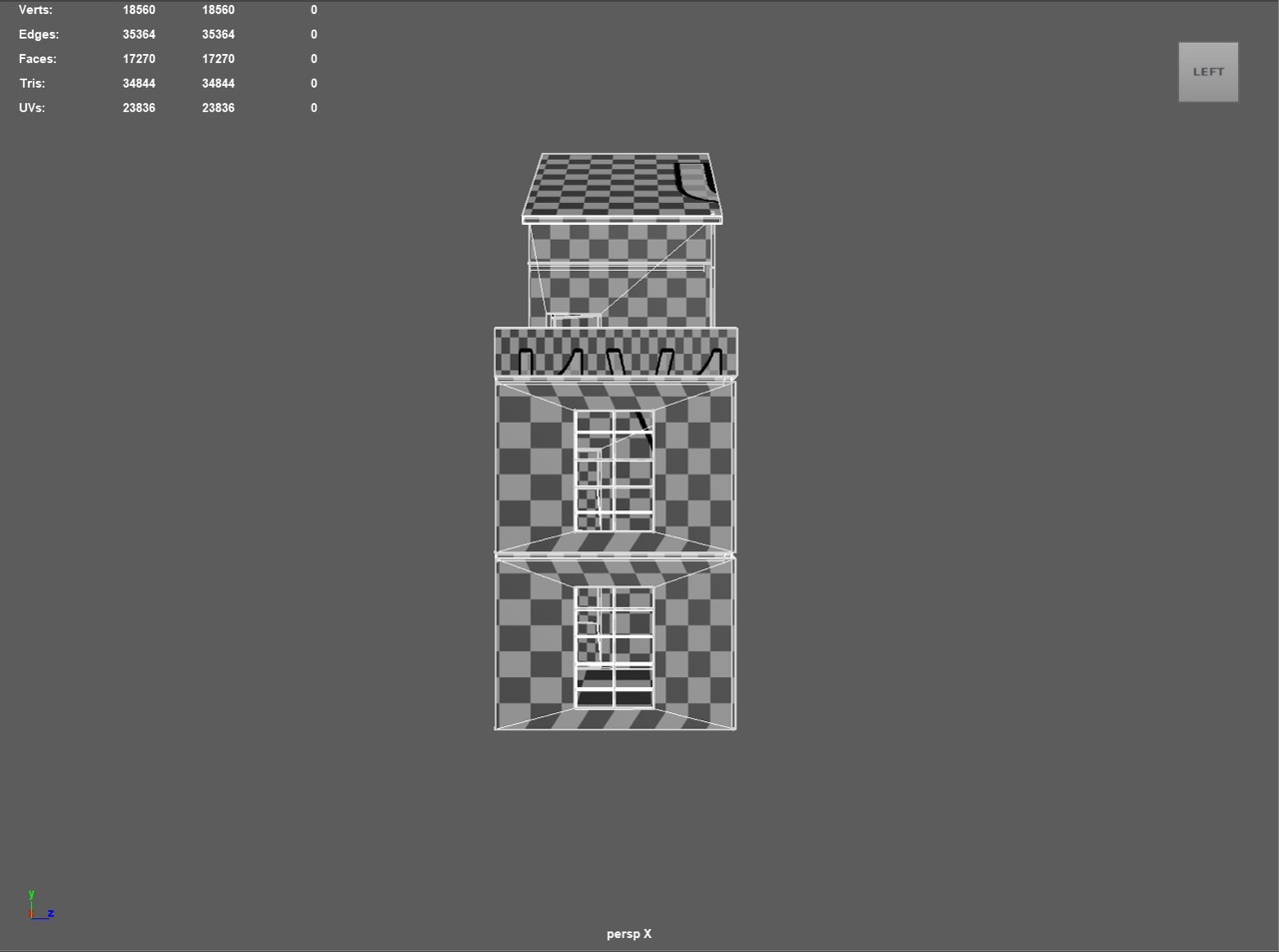
Strategy: unwrap once per repeating module (stairs, window sets, door frames), then instance or duplicate to keep layouts consistent. I kept everything on a single tile for simplicity, packed with uniform padding to avoid bake bleeding. Texel density was evened out across shell groups so wood grain and paint details read consistently between floors.
- Mark seams along natural breaks: panel joins, corner trims, stair undersides.
- Unfold and relax shells, straighten long edge loops for cleaner wood grain.
- Stack or reuse shells only for truly identical, non-unique pieces.
- Pack with even padding; re-scale outliers to match target density.
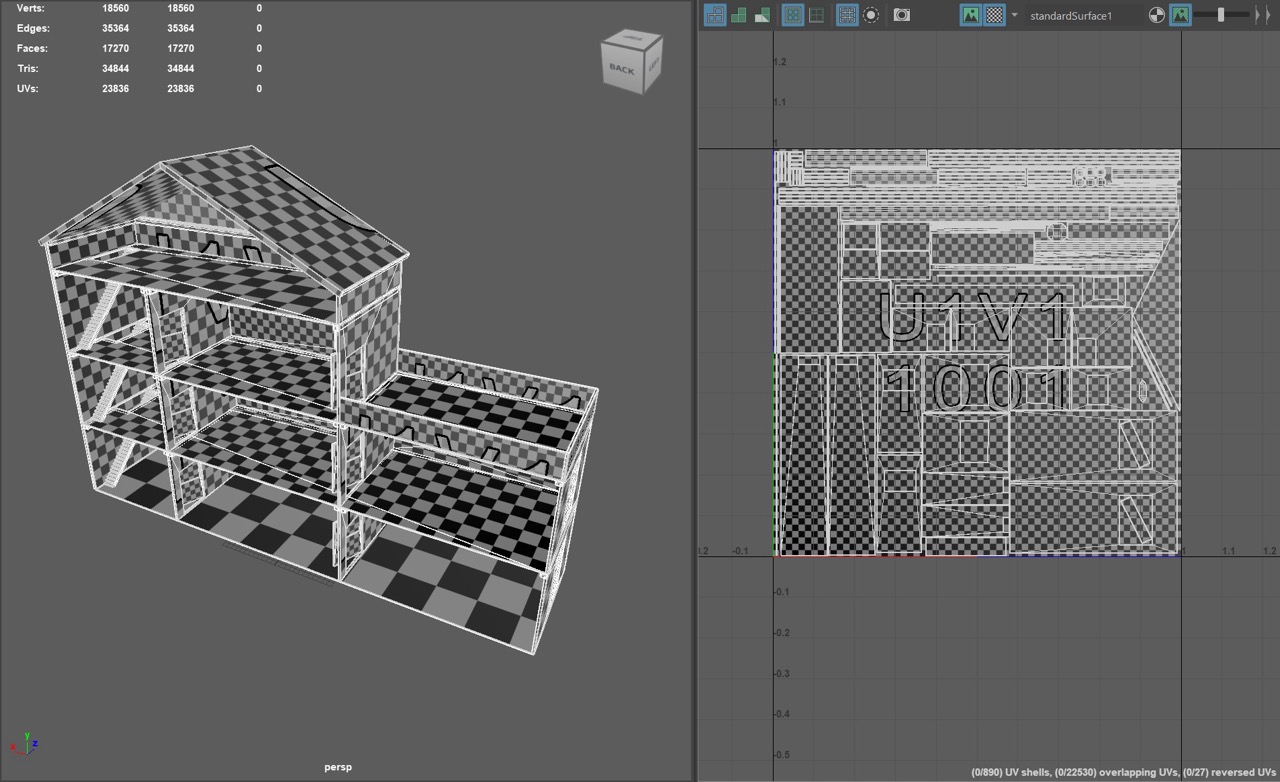
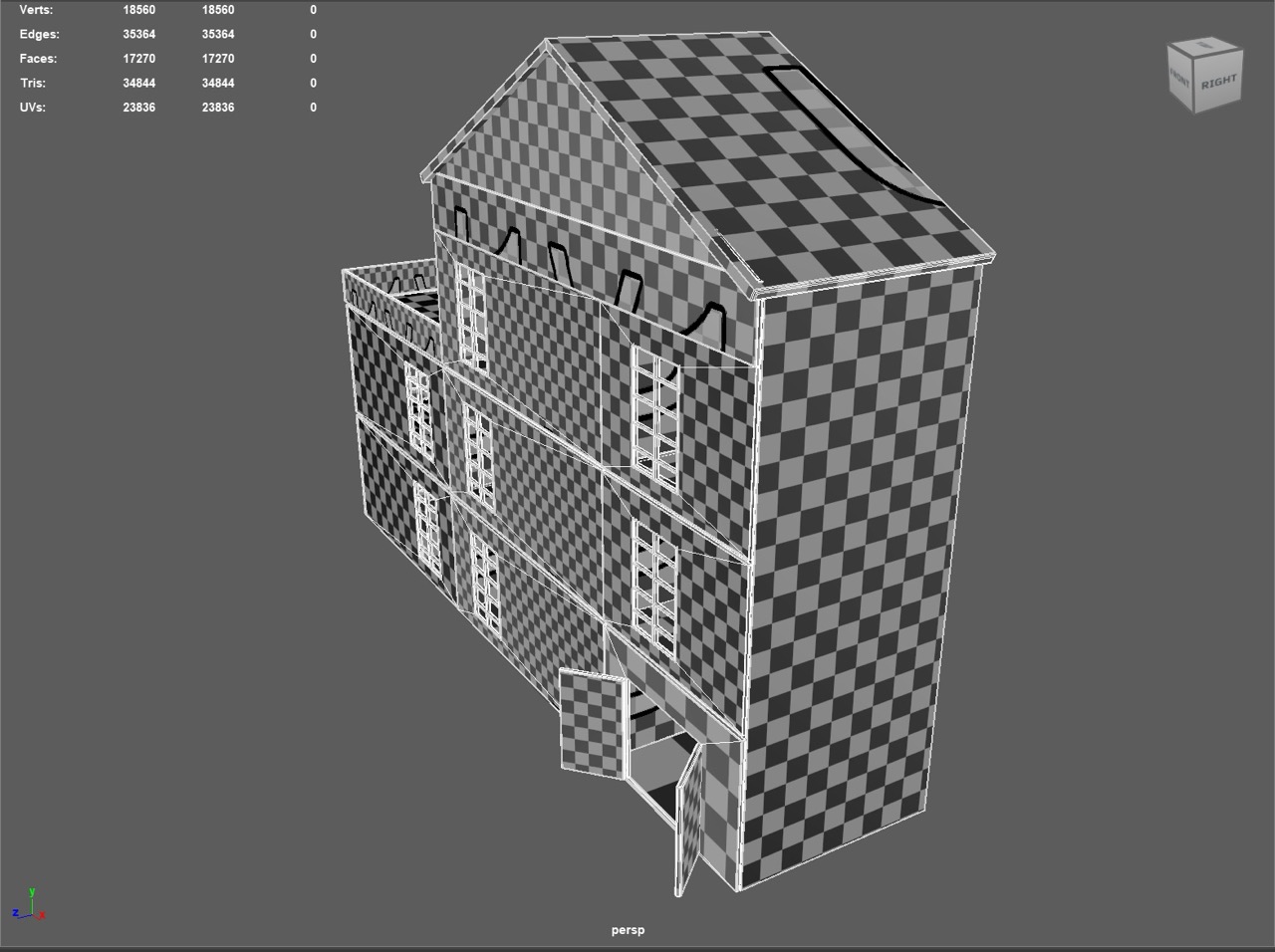
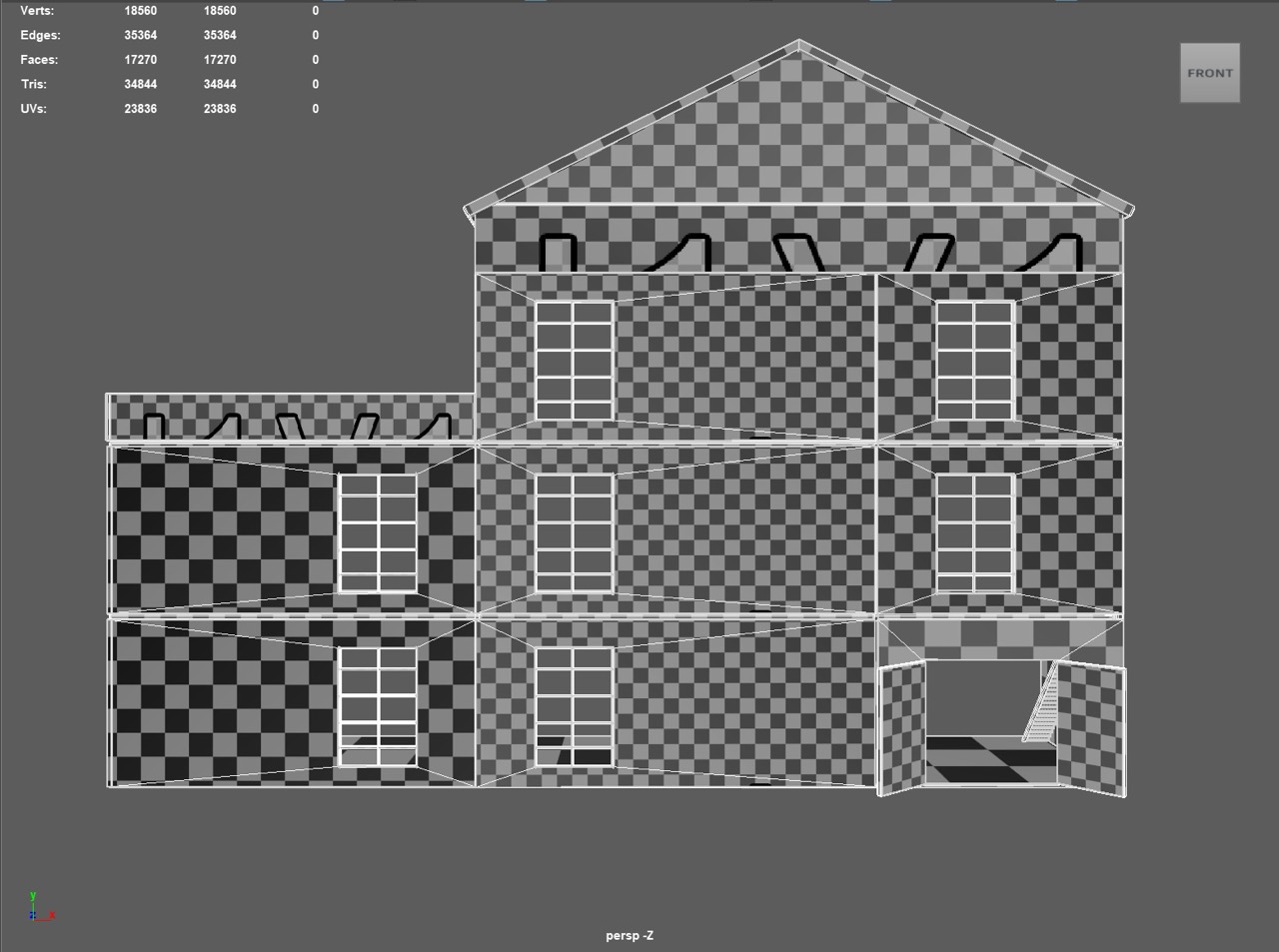
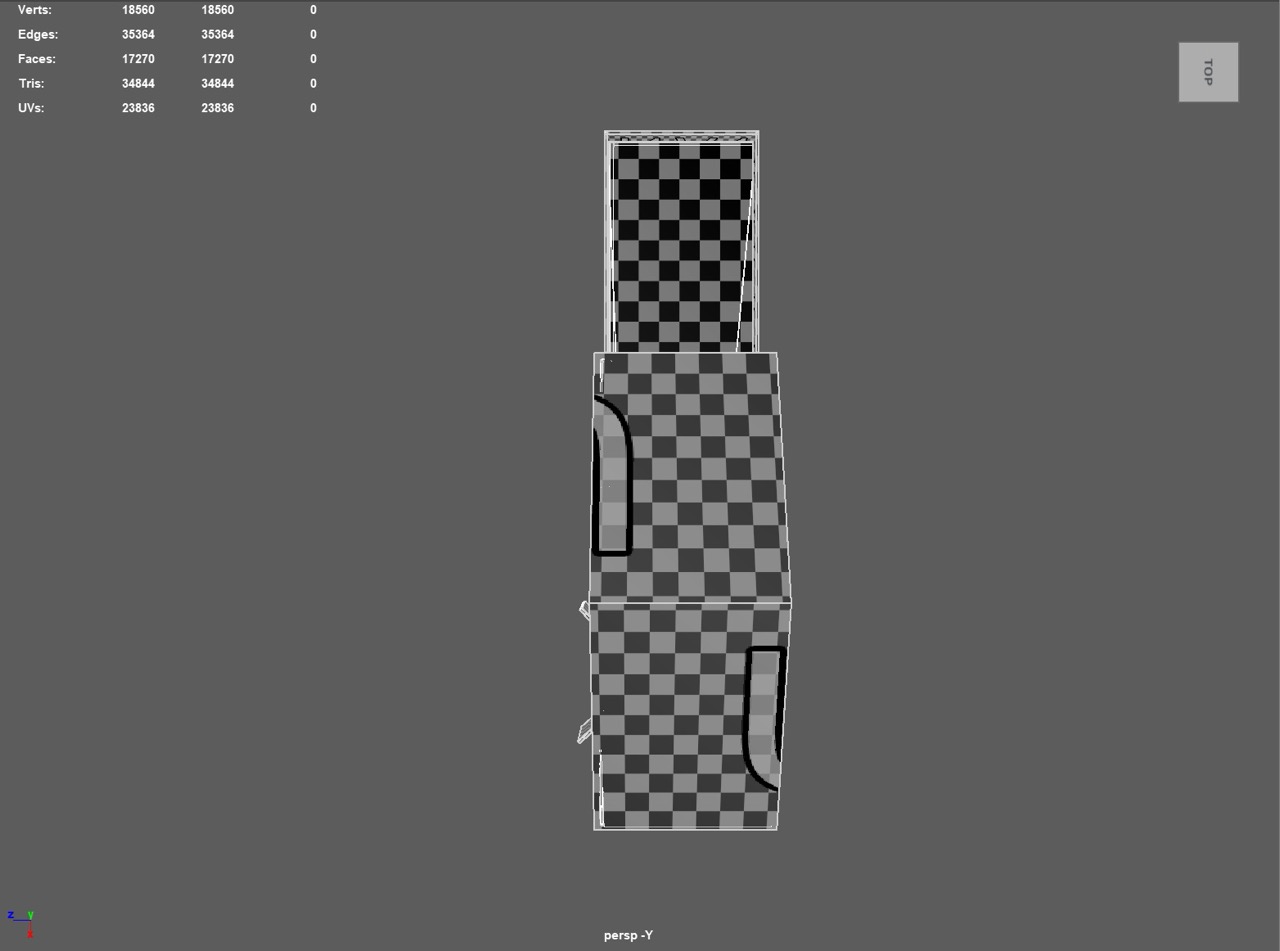
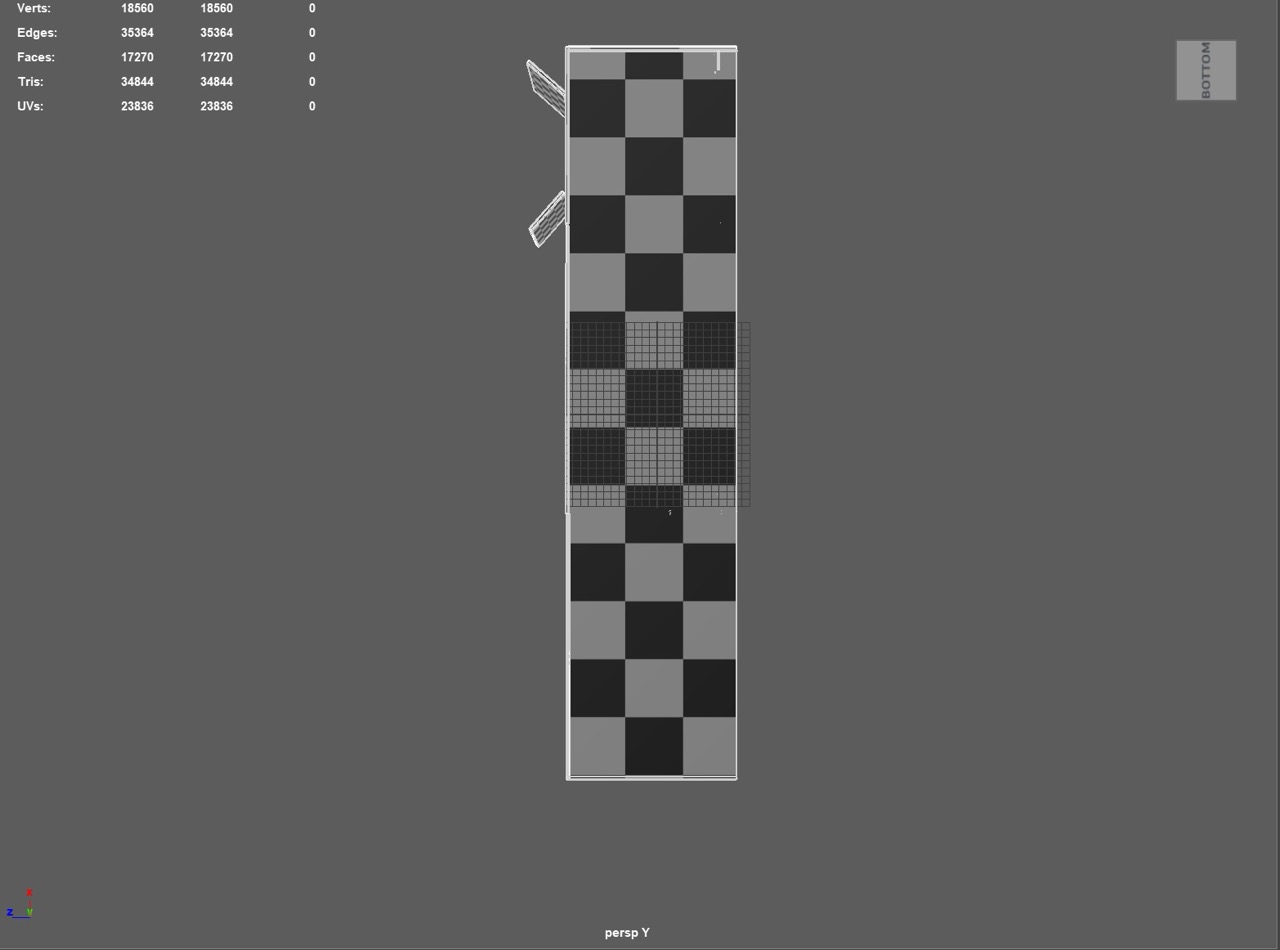
- Run checkerboards, fix distortion, then bake mesh maps in Painter.
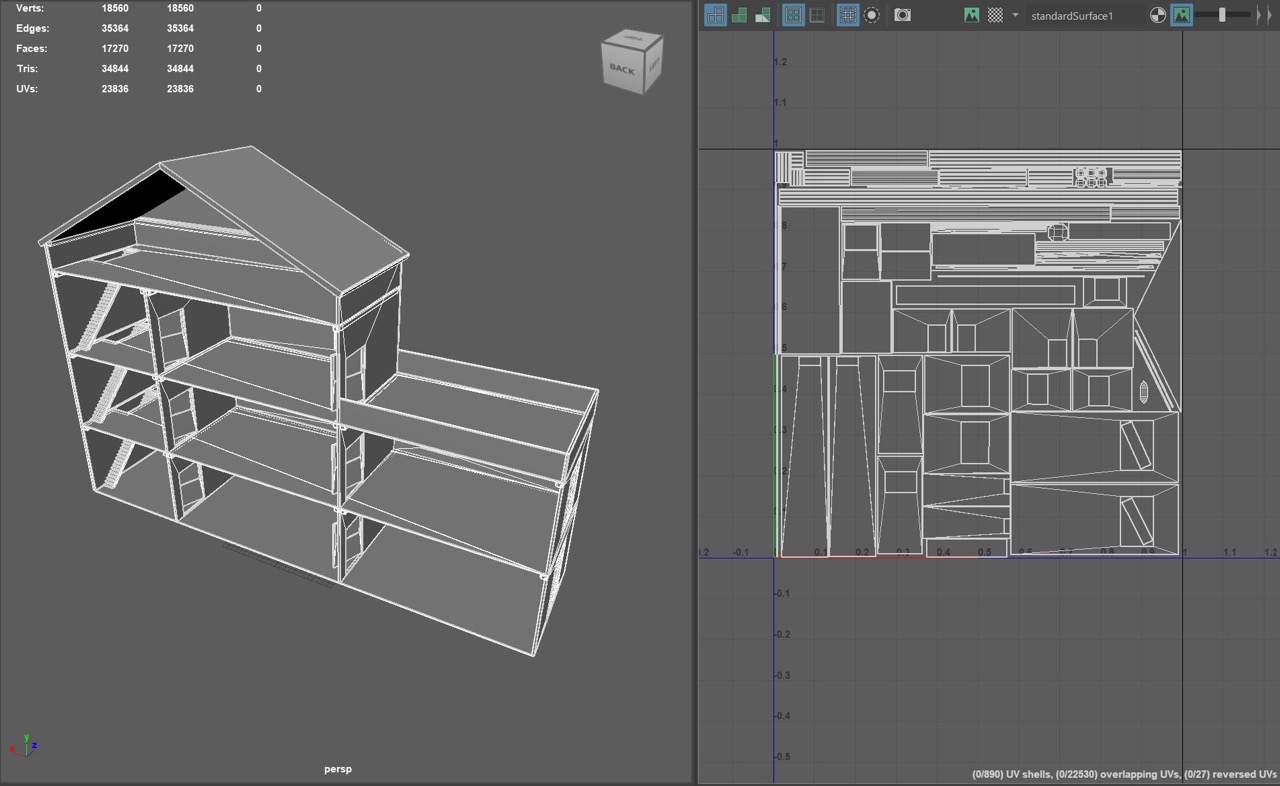
Perspective Checkerboard View
Orthographic Checkerboard Views
Texture Painting in Substance 3D Painter
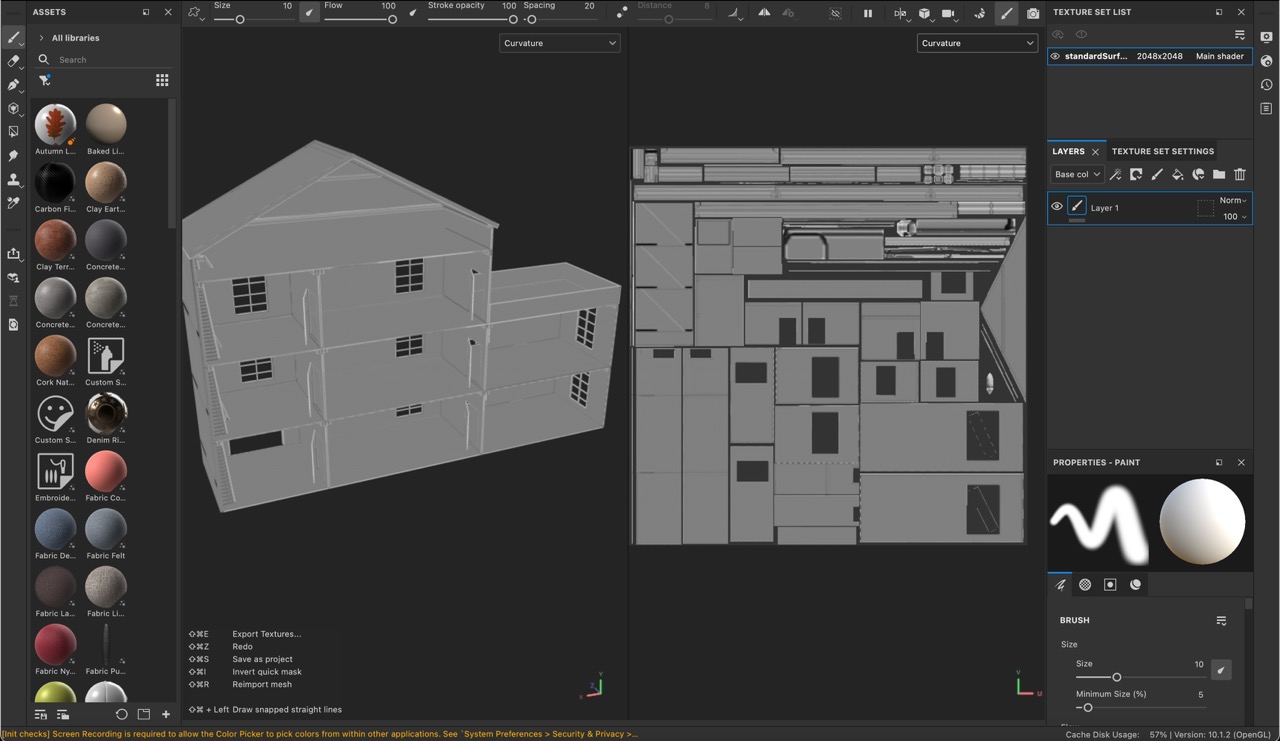
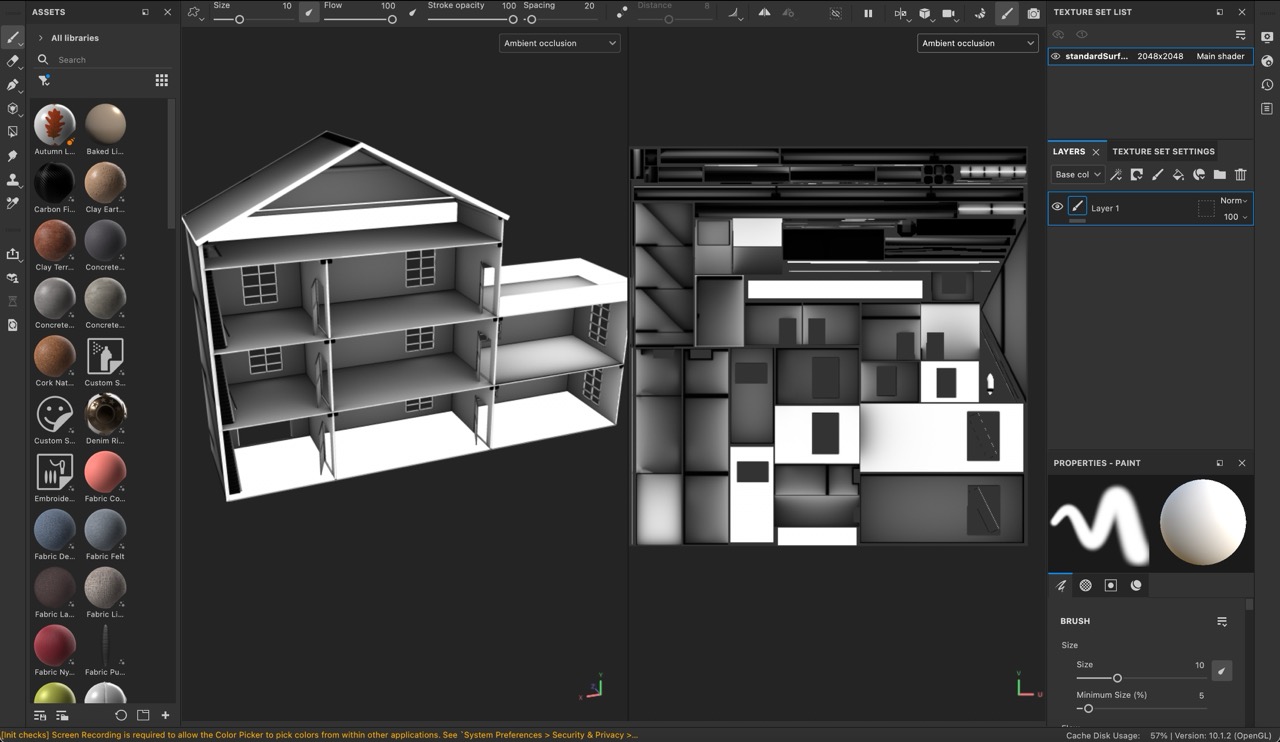
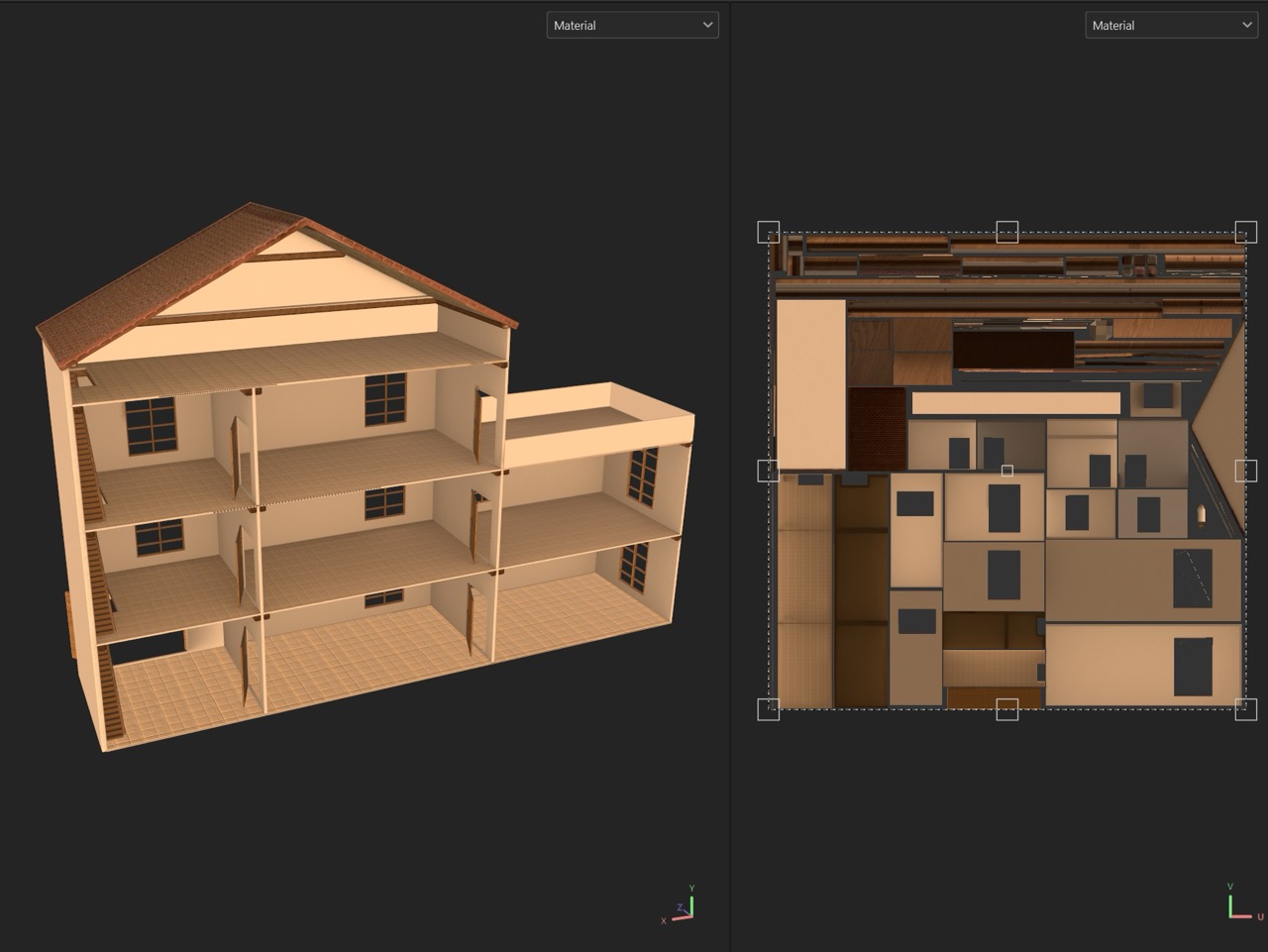
I baked mesh maps in Painter (AO, curvature, thickness, position) and iterated using library materials as a base. Most of the work was tuning parameters — color, roughness/metallic, normal intensity, and scale — and masking with the baked maps so the surfaces read at miniature scale. Early test bakes exposed overlapping UV shells on a few trims; I corrected those in Maya, repacked, and rebaked. The final look keeps a light gloss on varnished wood, a soft painted-plaster finish with subtle roughness breakup on walls, and simple woven fabrics for the cushions. Texture sets were then exported for Unity.
Secondary Assets
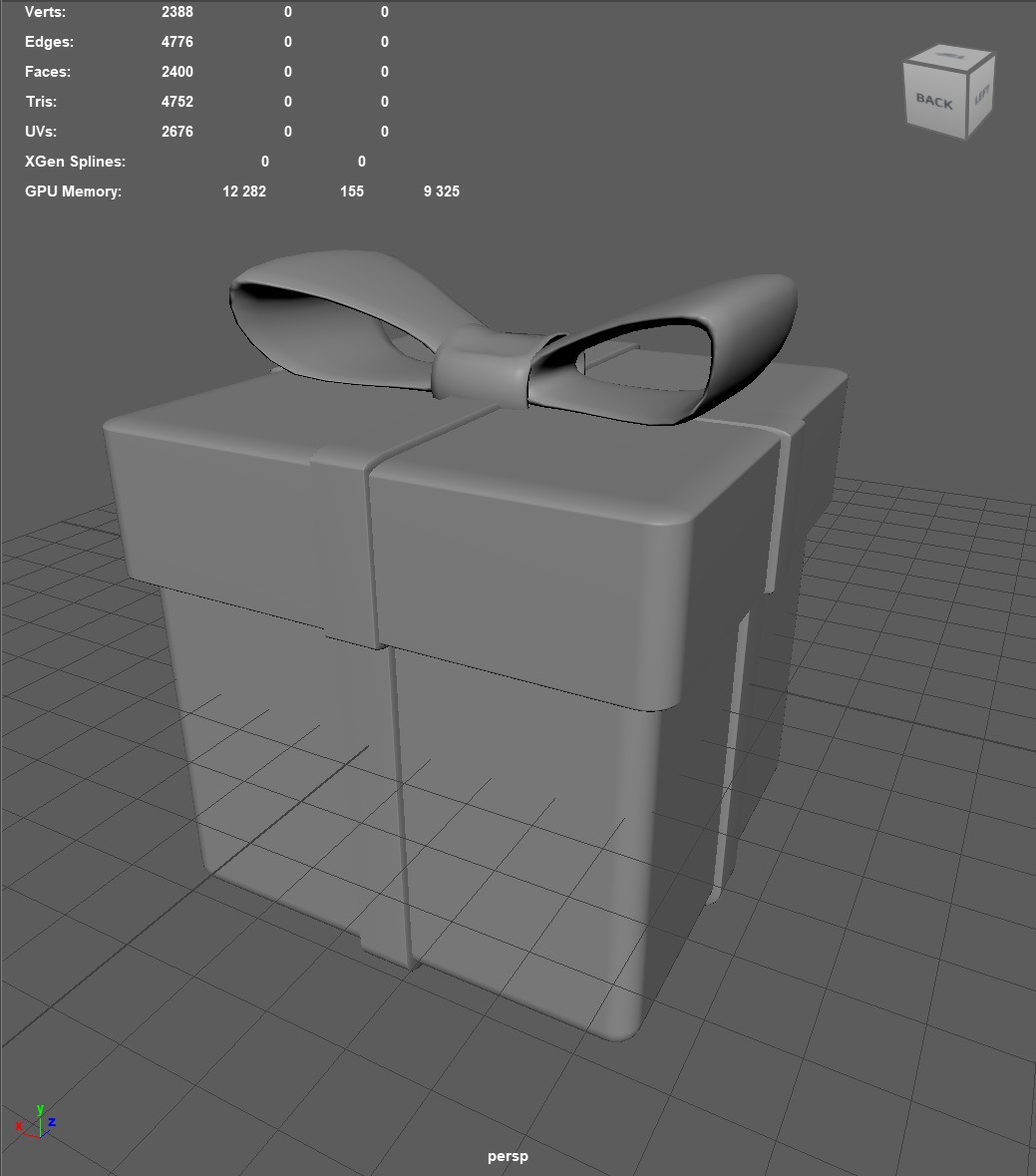
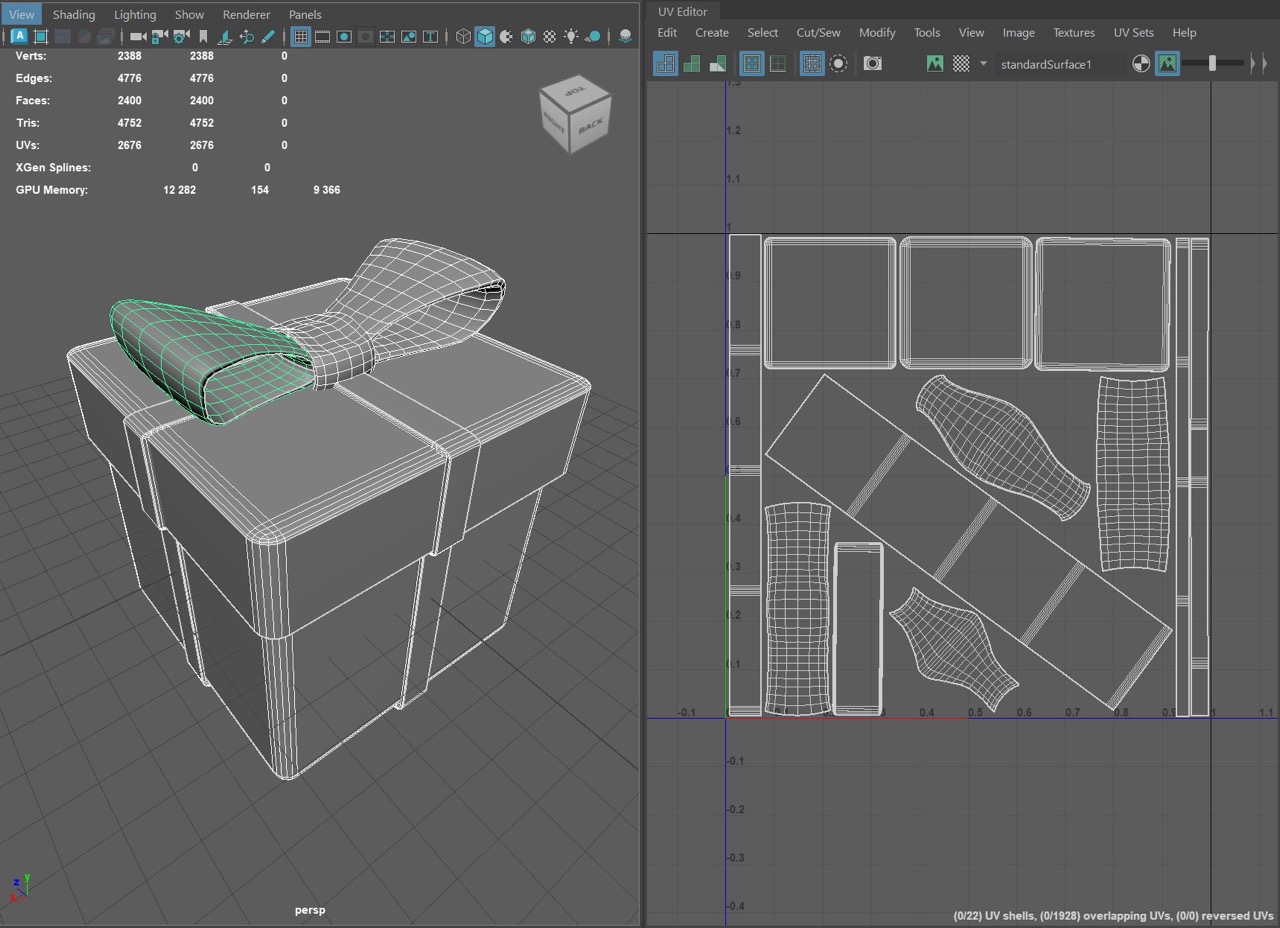
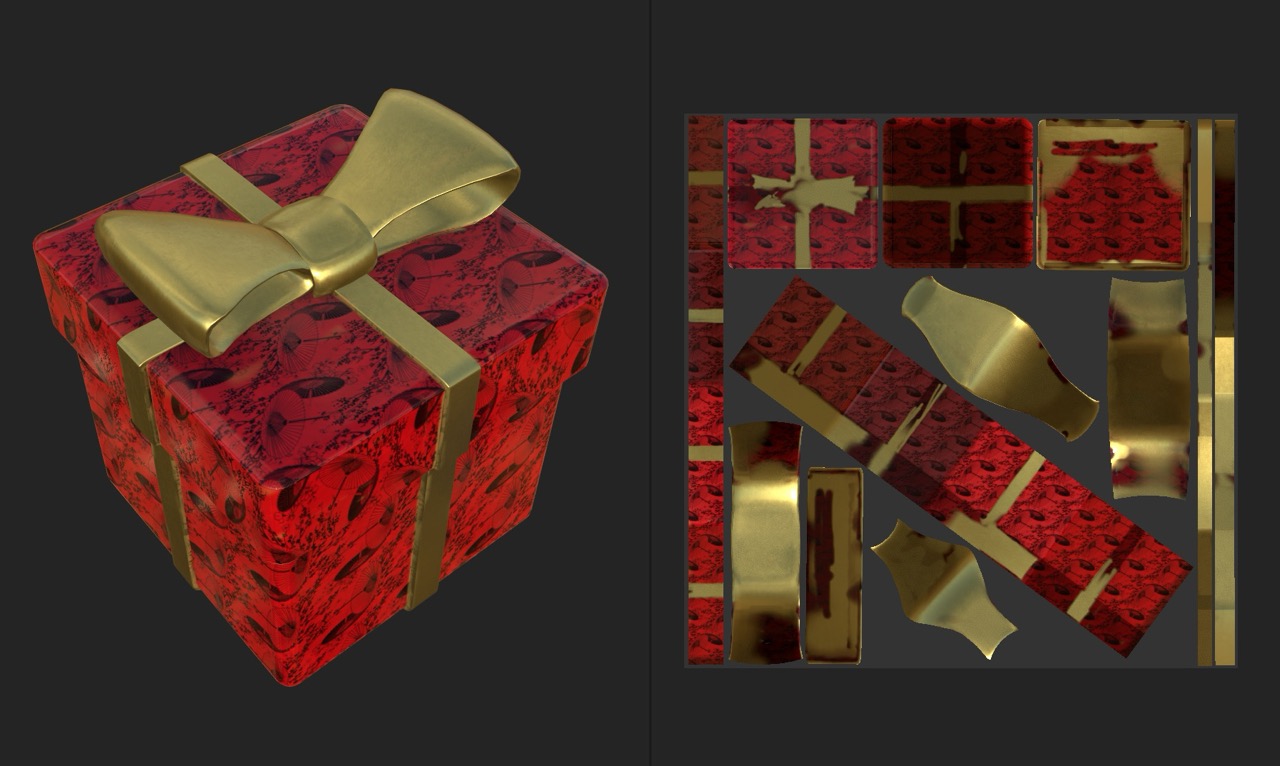
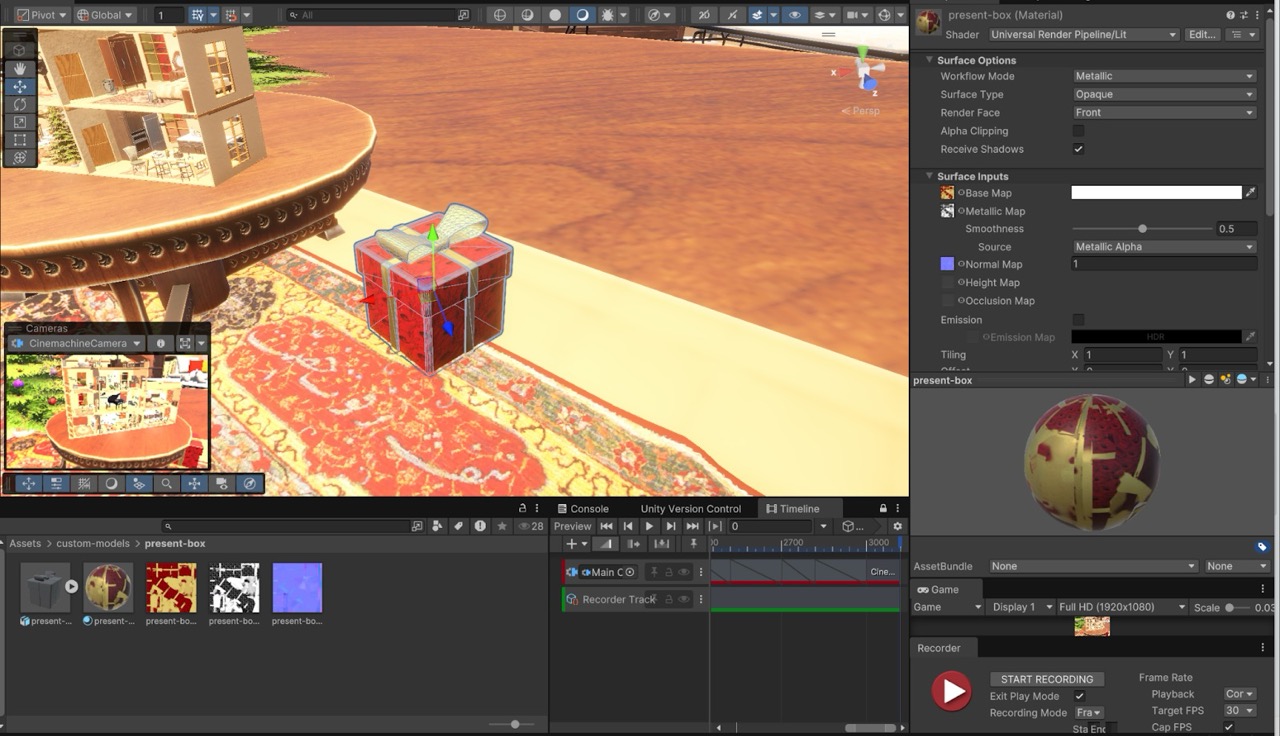
Two supporting pieces frame the hero: a present box and a Christmas tree. The present is a beveled cube set with a hand-modeled ribbon and bow.
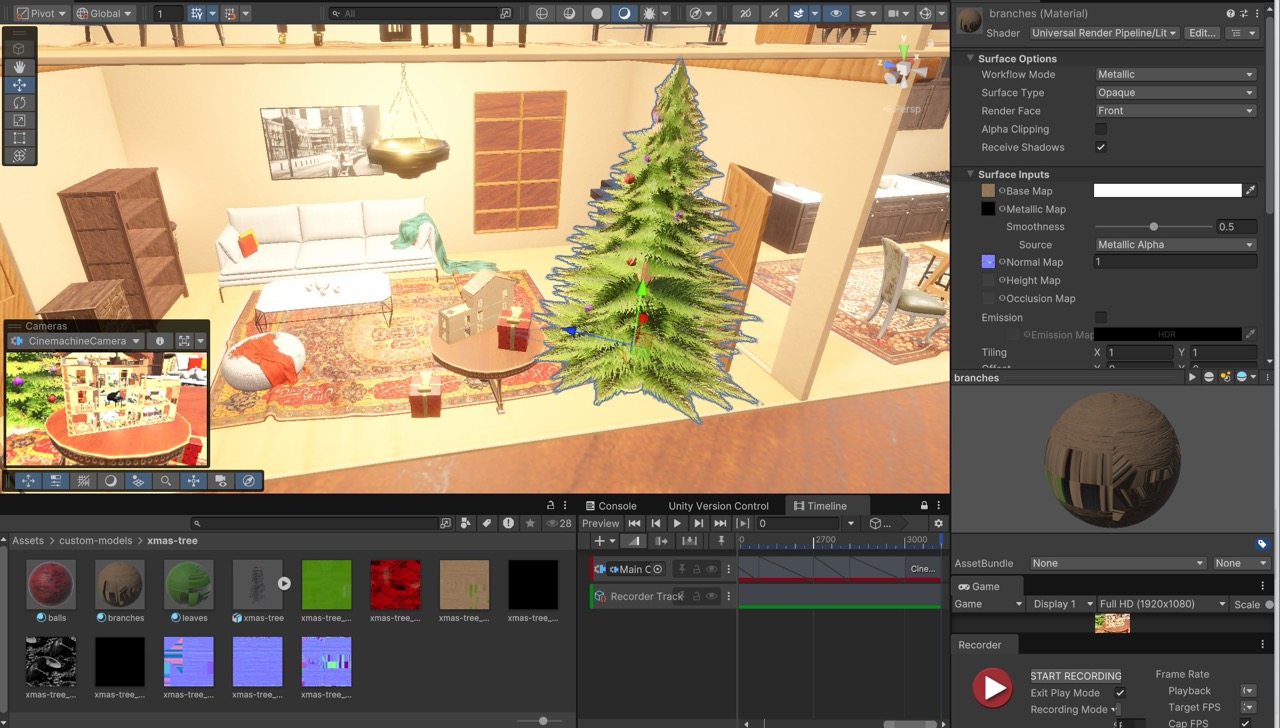
The tree uses MASH to scatter branches and drive basic variation, then simple ornaments for color.
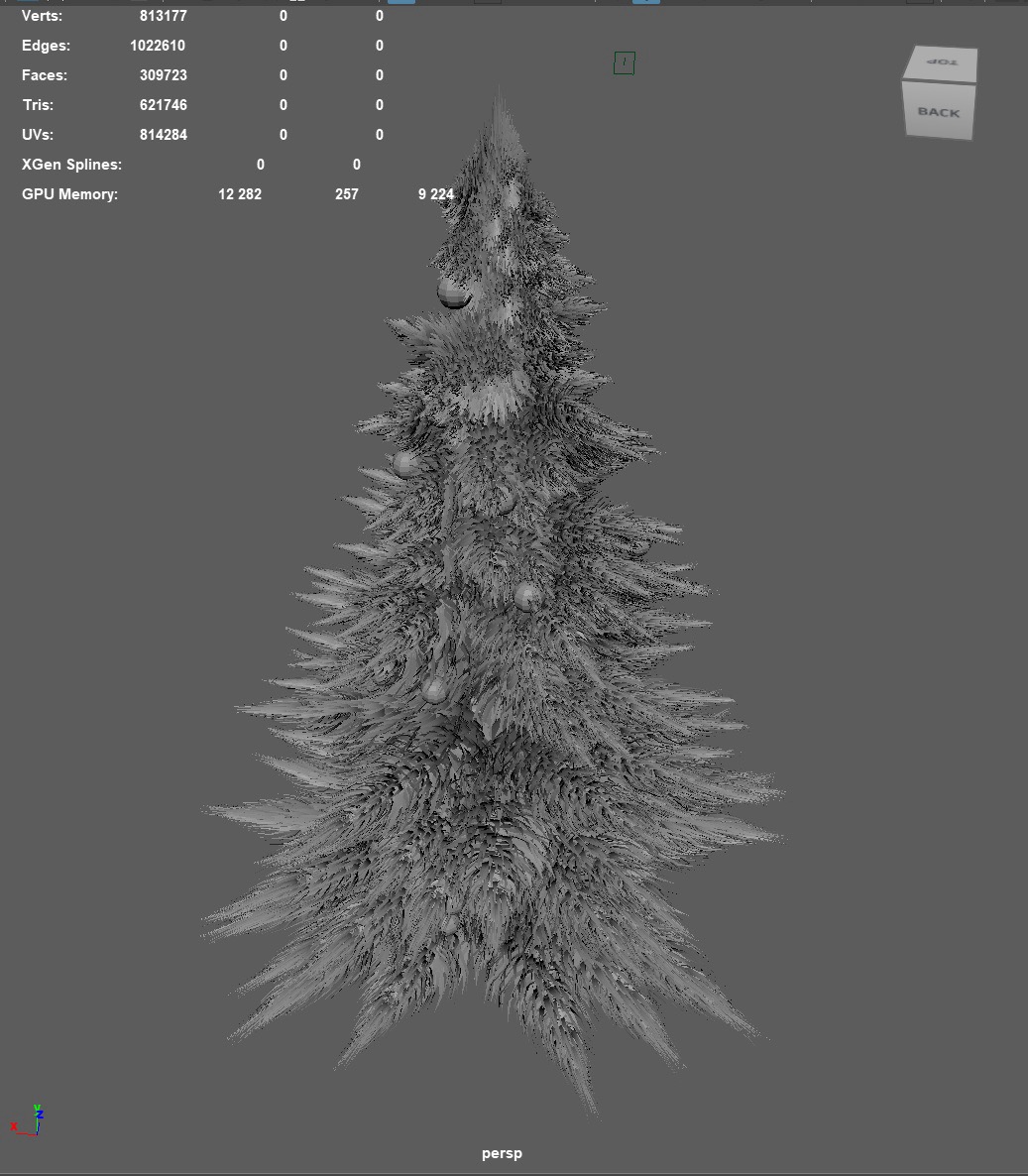
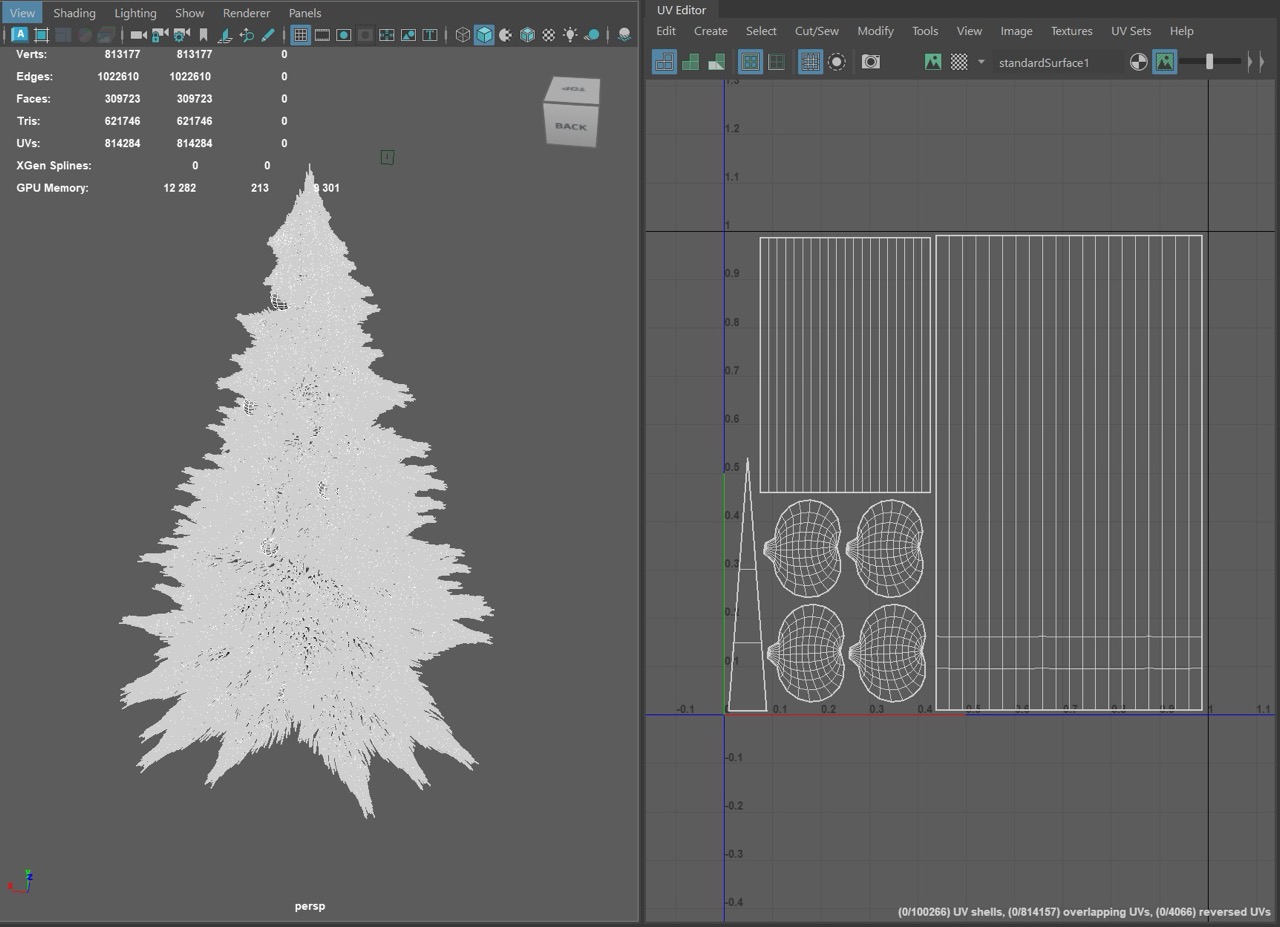
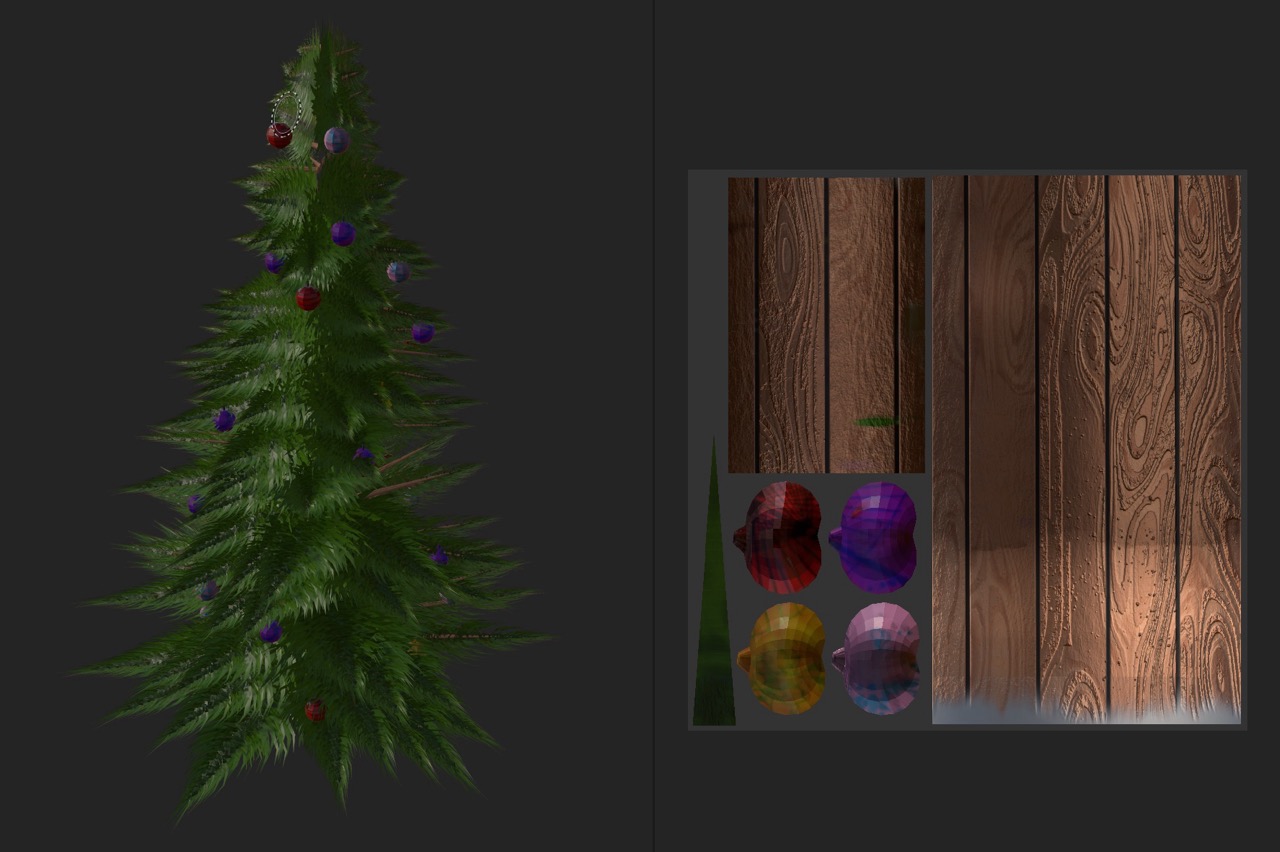
Both assets share the same unwrap-check-paint flow to keep them consistent with the house.
Lighting and Scene Assembly
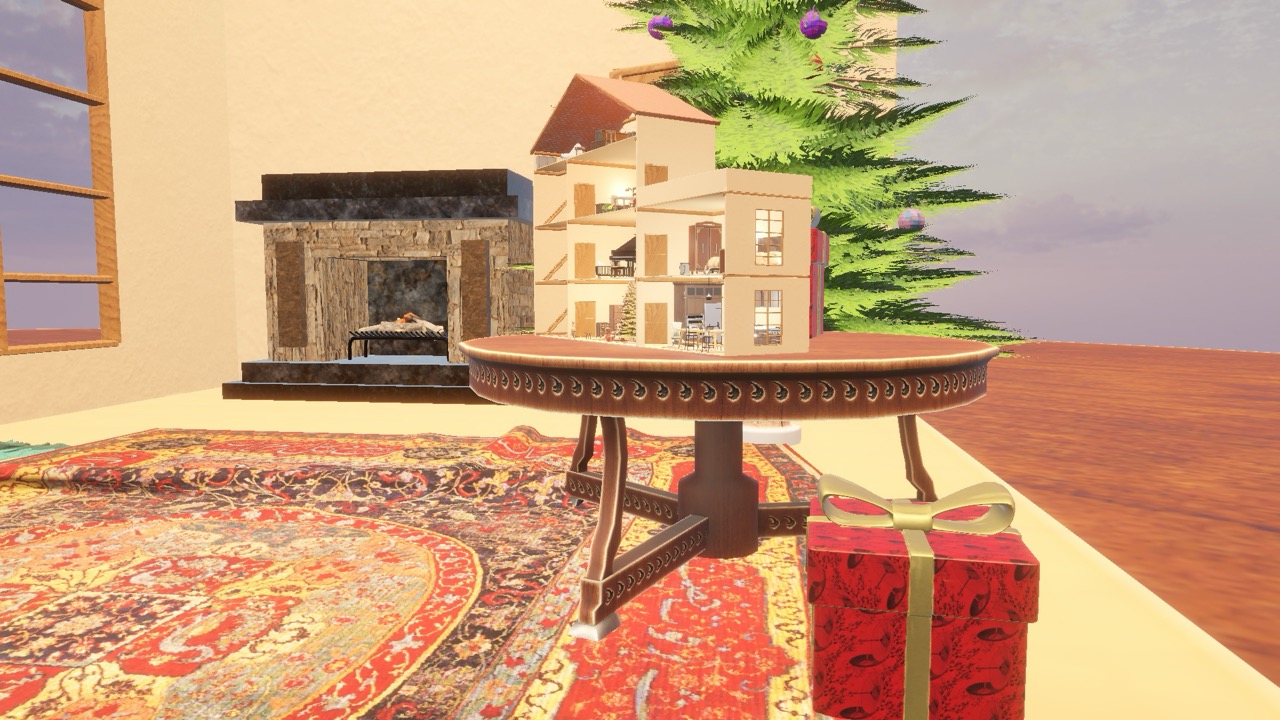
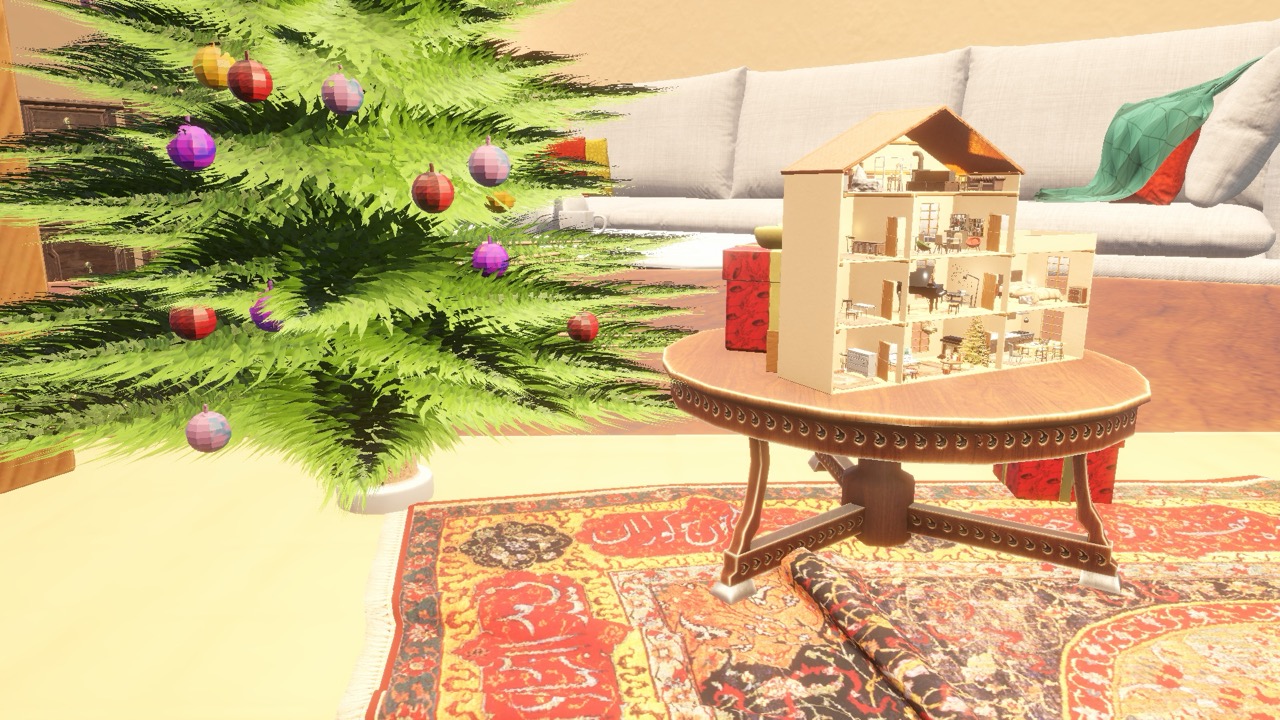
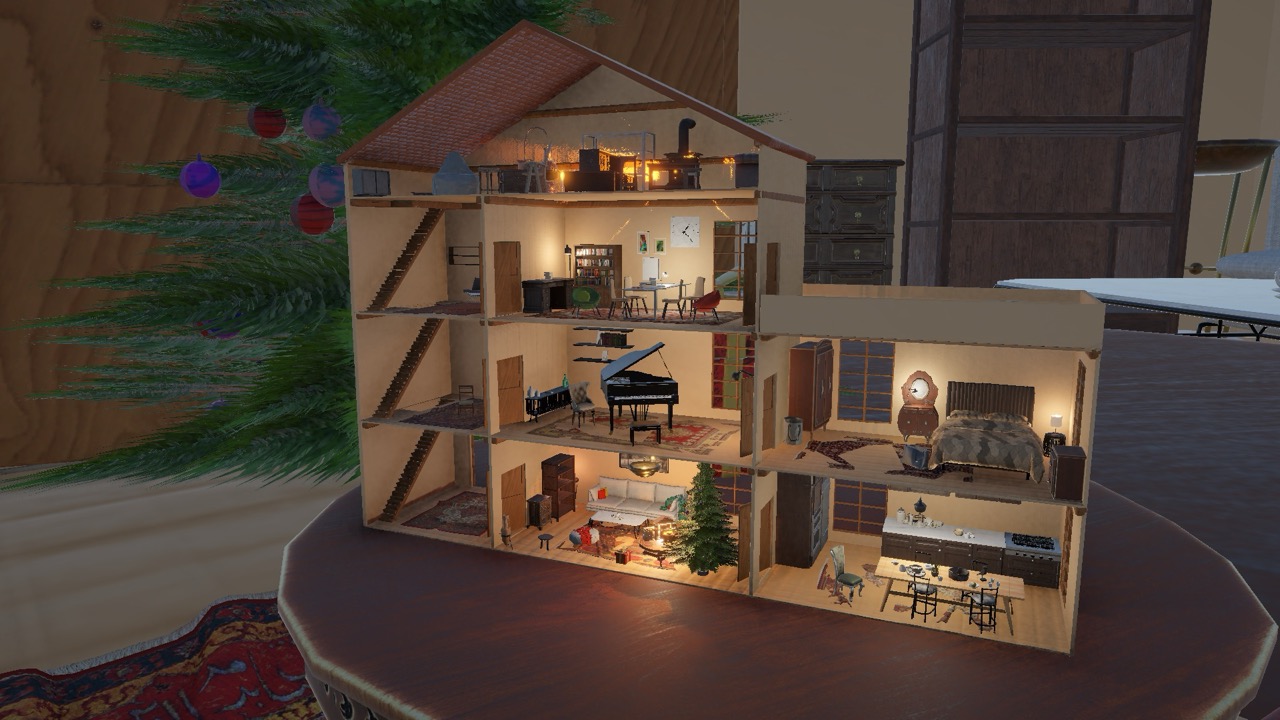
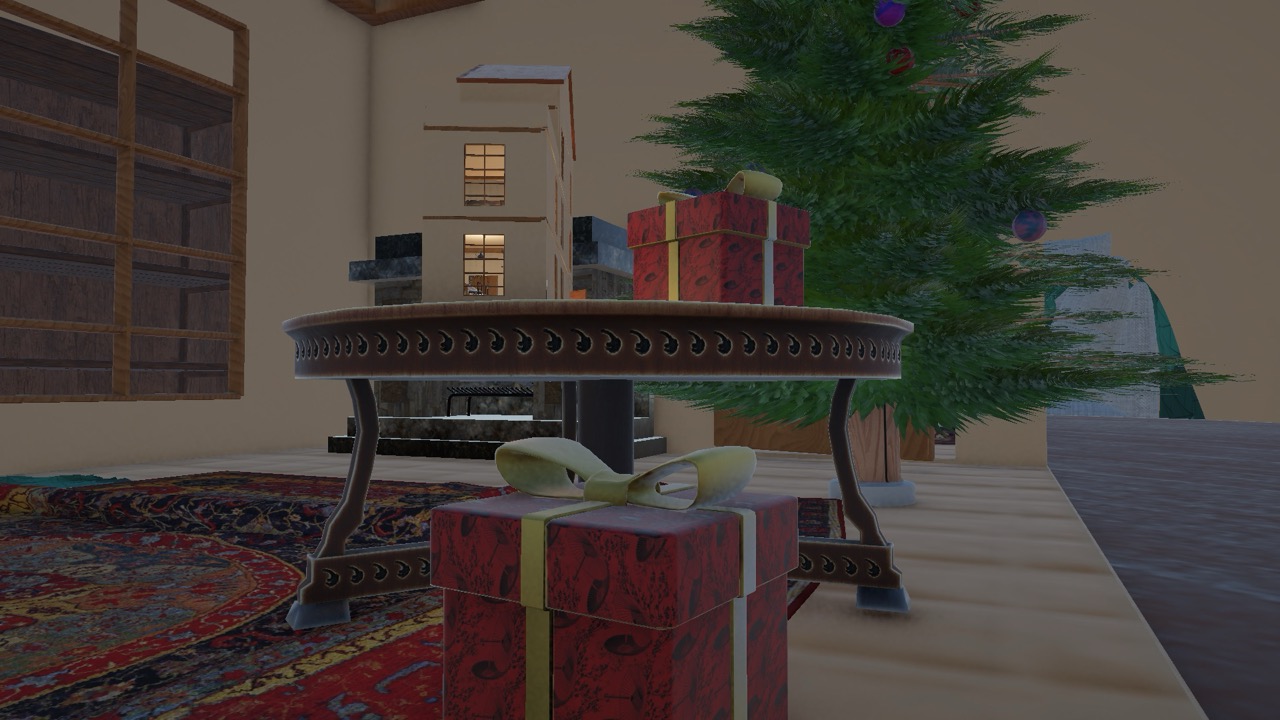
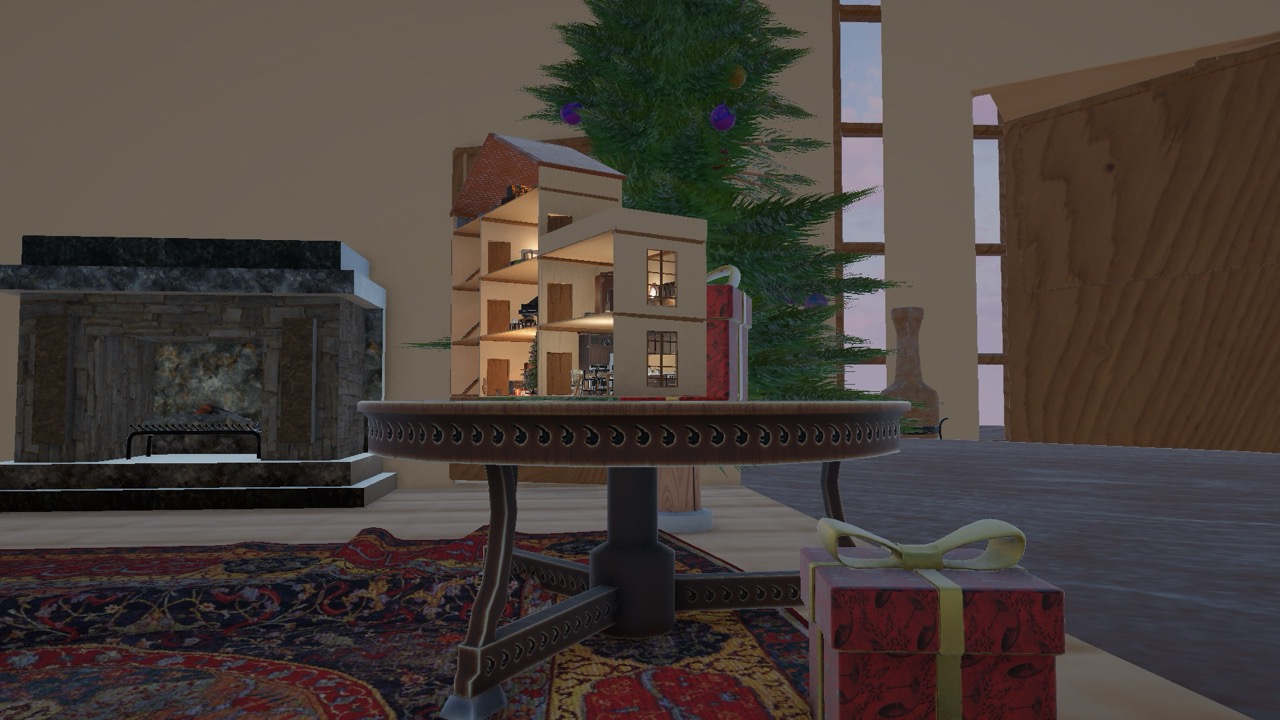
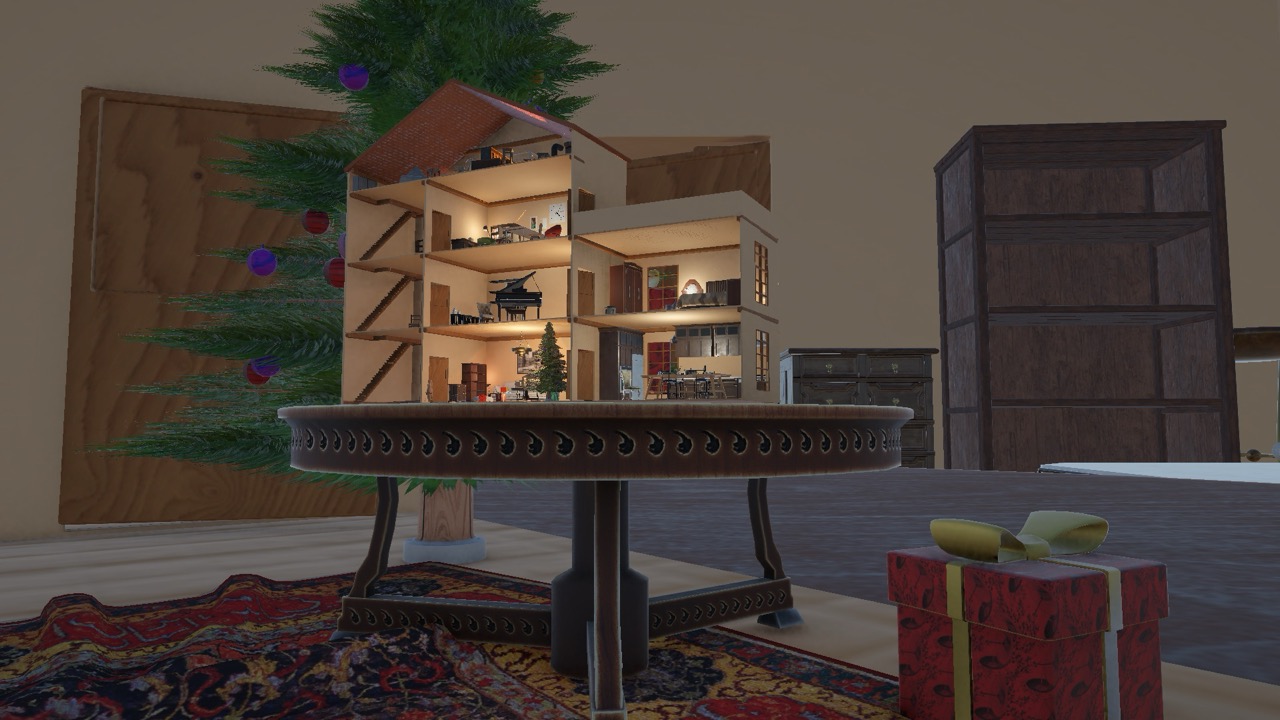
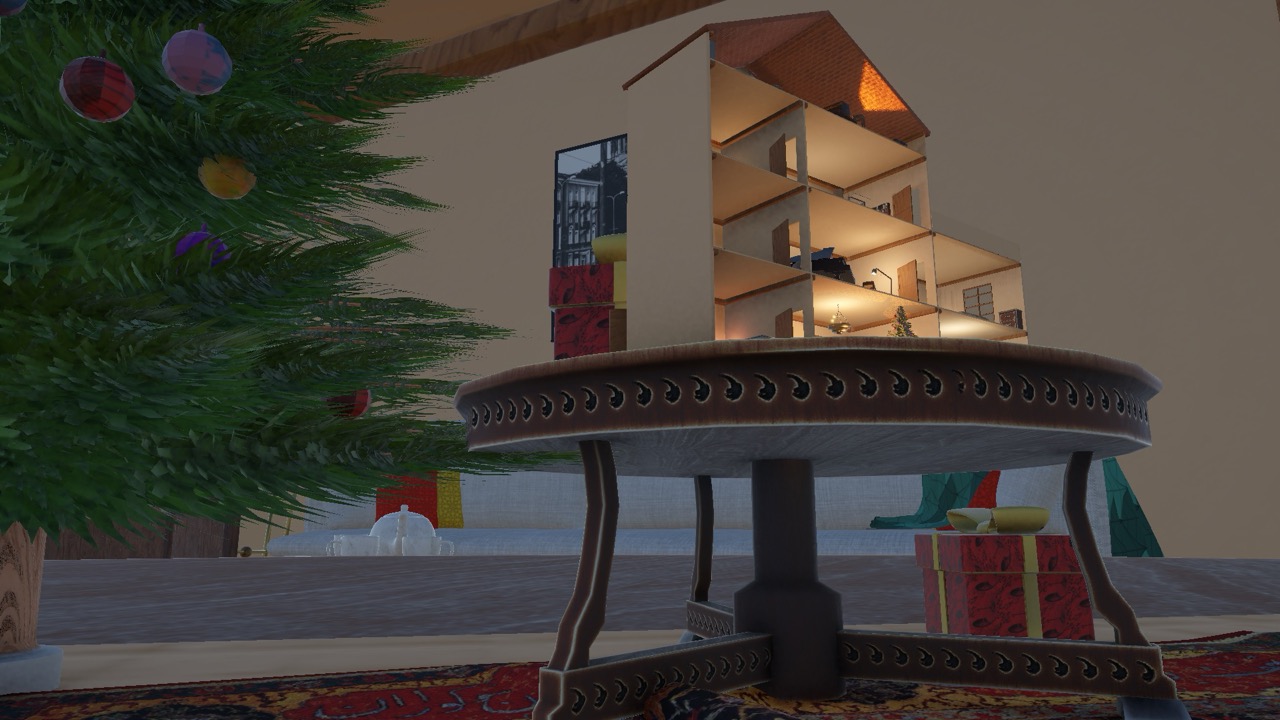
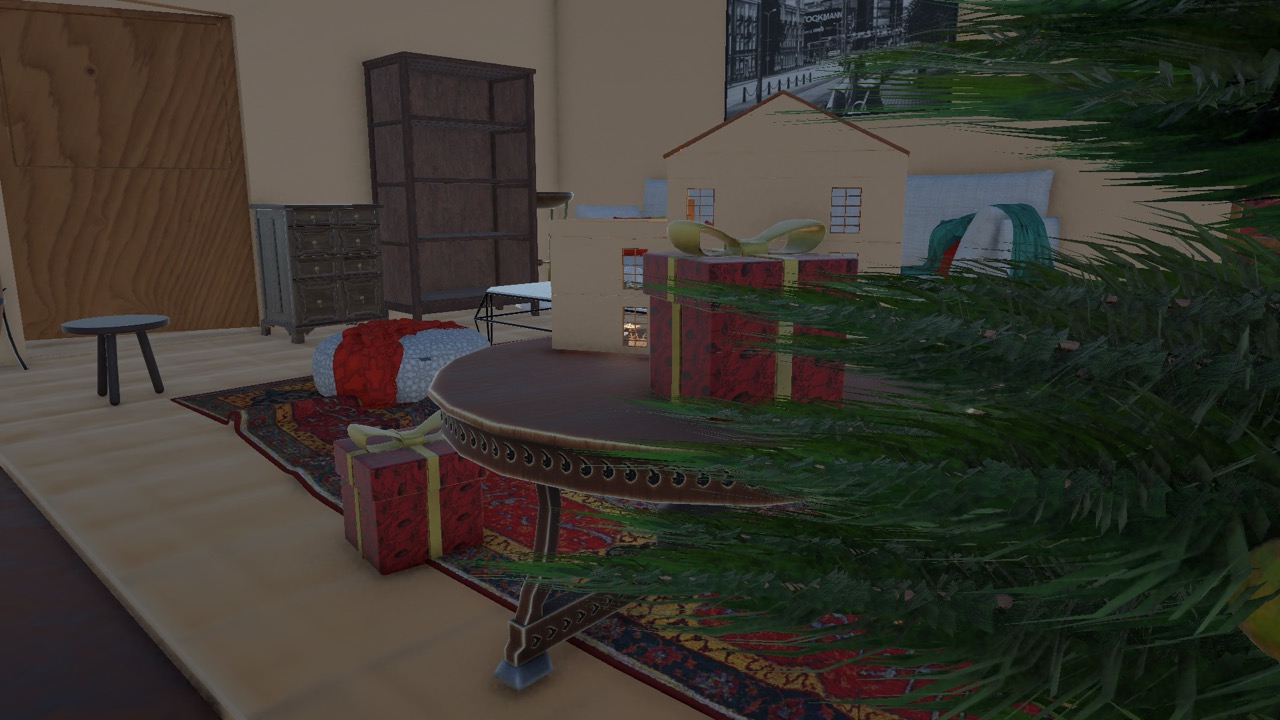
Assembled in Unity URP. The dollhouse sits on a circular table with gifts and a tree nearby. I placed lights at the objects that would emit light in the scene, then tuned exposure and indirect intensity to lift the midtones without flattening the wood speculars. A gentle vignette and warmer key help the miniature read as cozy and lived-in.
Final Renders: Light Pass
For the light pass I leaned into warm key light and soft fill to push the holiday tone. The goal was bright, readable rooms with pleasant highlights.
Final Renders: Dark Pass
I also toyed with a darker setup to lean into lamplight and interior pools of illumination. Dropping exposure and cooling the fill shifts attention to the lit rooms and makes the miniature glow without losing surface detail.
Asset Credits
- Textures: "Roof slabs" by farshad asbaghi on Adobe Substance 3D Community Assets. Available on Adobe Substance 3D Community Assets.
- Textures: "Wood" by Bogdan Orza on Adobe Substance 3D Community Assets. Available on Adobe Substance 3D Community Assets.
- Textures: "red leather pekin" by vincent mazuel on Adobe Substance 3D Community Assets. Available on Adobe Substance 3D Community Assets.
- Textures: "Old Ceramic Tiles" by Ignacio Ferrari on Adobe Substance 3D Community Assets. Available on Adobe Substance 3D Community Assets.
- Unity Asset Pack: "Furniture Free Pack" by DEXSOFT. Available on Unity Asset Store.
- Unity Asset Pack: "Roman furniture: Roman villa pack" by Albert Gregl - Worcco Arts. Available on Unity Asset Store.
- Unity Asset Pack: "Kitchen Set - Interior" by Geniuscrate Games. Available on Unity Asset Store.
- Unity Environment: "Modern Archviz - Leafless" by Rad-Coders. Available on Unity Asset Store.
- Unity Environment: "Alchemist House" by BK. Available on Unity Asset Store.
- Unity Asset Pack: "P3D: Indoor Design Starter Kit (3D Models Furniture)" by Phoenix3D Studio. Unity Asset Store page
- Unity Asset Pack: "Shelves 01 Pack" by izanai games store. Available on Unity Asset Store.
- Unity Asset Pack: "Free Rug Pack" by Azerilo. Available on Unity Asset Store.
- Unity Asset Pack: "QA Books" by QAtmo. Available on Unity Asset Store.
- Unity Asset Pack: "Designer Armchair Sample Collection" by Evertrail Studio. Available on Unity Asset Store.
- Unity Asset Pack: "Persian Carpets URP" by CGPAL. Available on Unity Asset Store.
- Unity Asset Pack: "Next-gen Furniture Pack" by Vertex Studio. Available on Unity Asset Store.
- Unity Skybox: "ALLSky Free 10 Sky Skybox Set" by rpgwhitelock. Available on Unity Asset Store.